Introducing Duey Pro and Auto Typer Pro: The Most Human Typing Yet
Duey Pro is here, and it comes with a new extension: Auto Typer Pro. It learns how you type, pauses and fixes typos the way people do, and takes more of your writing work off your hands.

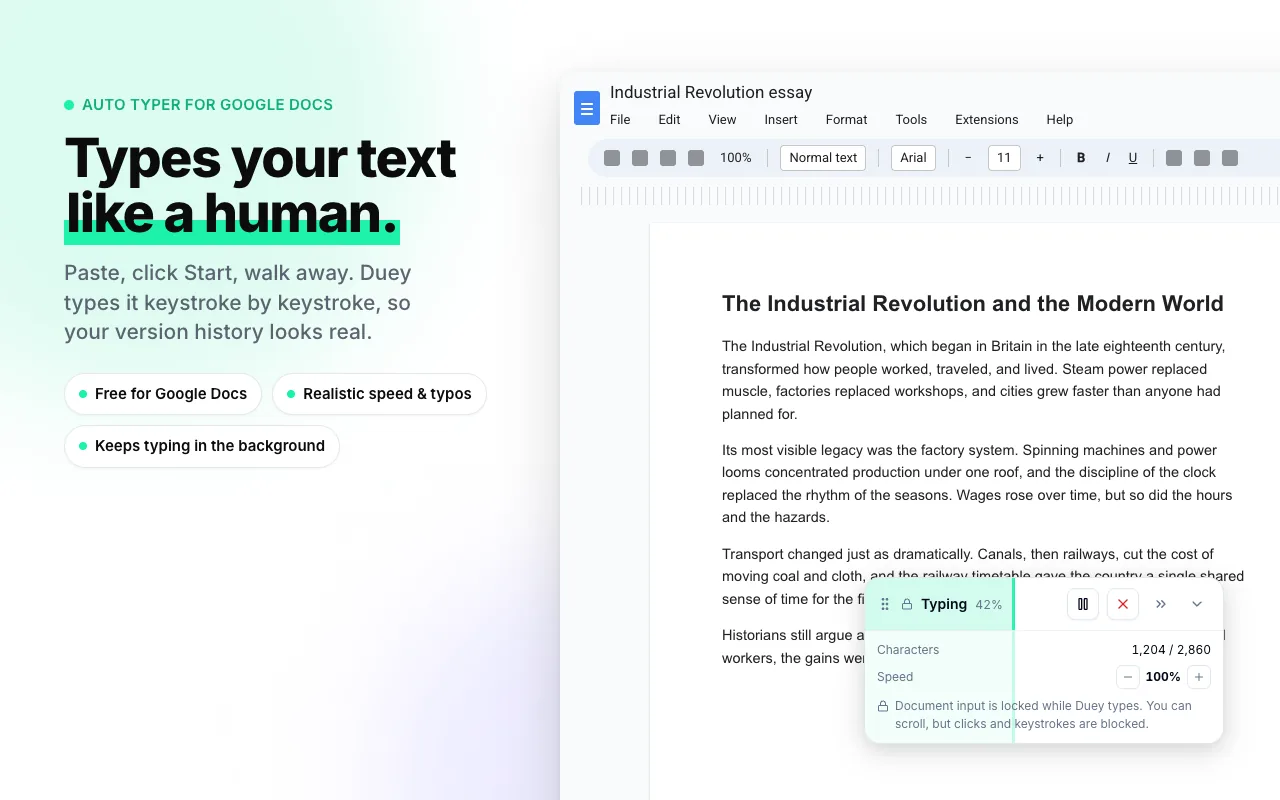
Duey has always done one thing well: you paste your text, click Start, and walk away while it types into your document.
Today we're taking that further. Duey Pro is our new plan, and it comes with a new Chrome extension: Auto Typer Pro. It's the biggest step yet toward handing off your writing work completely. It types more like a person than anything else out there, it's built around your typing, and Sessions, the Humanizer, and the AI Detector are all included.
Typing that looks like you wrote it
Most auto typers type fast, and some type at a steady pace. People don't type either way. We slow down between sentences, stop to think, hit the wrong key, and fix it a moment later.
Auto Typer Pro is built on how people actually type, not on a speed setting. Here's what that looks like:
- Natural rhythm. Pro pauses between sentences and changes its pace the way a real writer does.
- Real mistakes, real fixes. Pro makes the occasional typo and corrects it a moment later, just like you would.
- Rewrites, just like a real draft. Pro can type a passage, think better of it, and rewrite it until it matches your text. You approve every rewrite before it happens.
The result is human-like typing you won't find in any other tool.
Calibrated to you
Everyone types differently, so Pro starts by learning how you type. The setup takes about a minute. After that, Pro types at your pace, not a generic one.
Then pick the tempo that fits the job:
- My Tempo: matches your own typing
- Default: a natural, everyday pace
- Faster: still human, just quicker
Stay in control while it works
Automation only helps if you can trust it and step in when you need to. Pro gives you:
- A live progress bar with a time estimate
- Pause, resume, and stop whenever you want
- A panel you can minimize while you work in other tabs
- A Chrome notification when typing is done
- An emergency stop key to halt everything instantly
Everything else in Duey Pro
The new extension is the headline, but Duey Pro also includes:
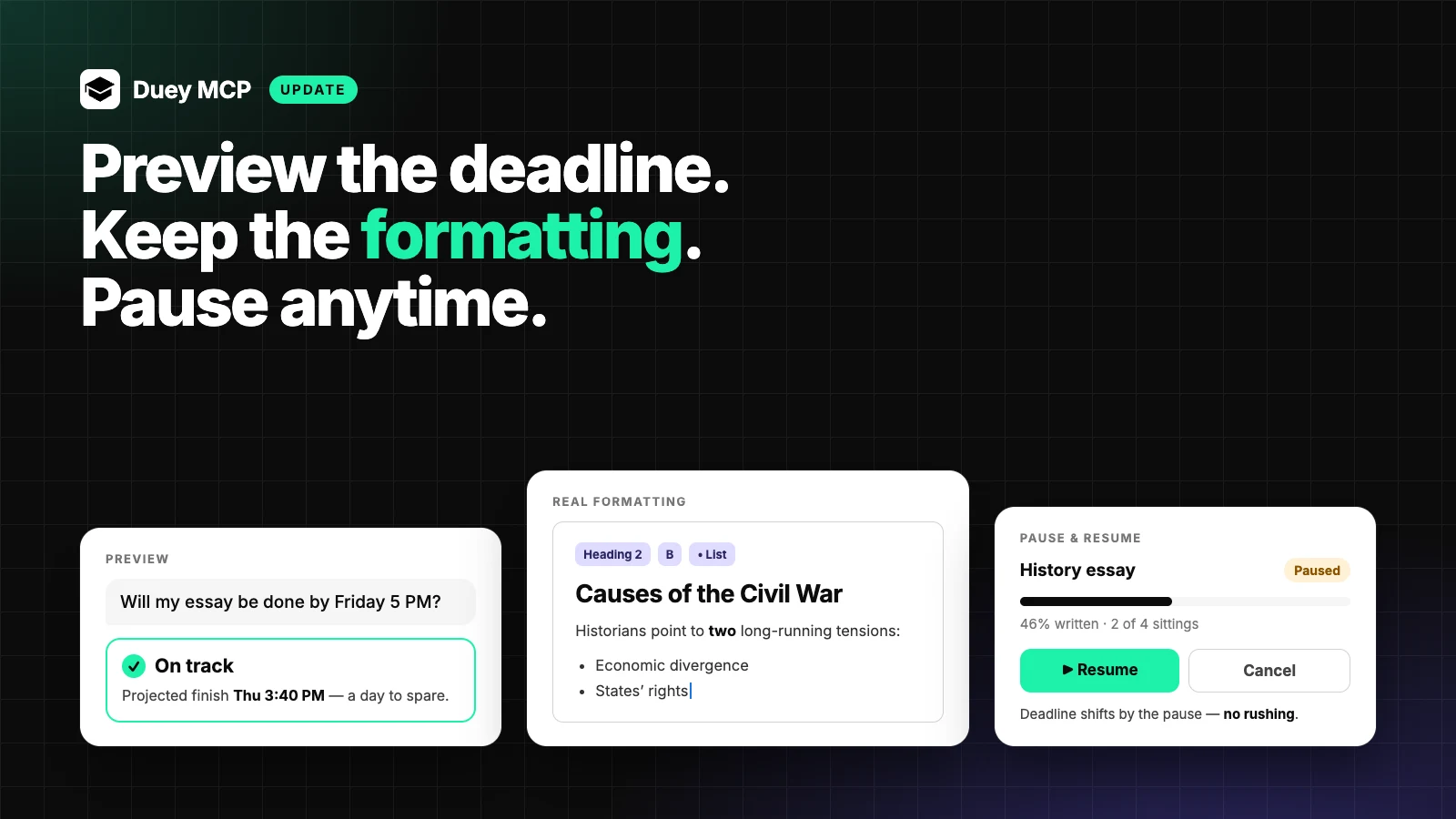
- Sessions: unlimited Sessions of any length, with ASAP mode and custom work hours. Give Duey a draft and a deadline, and it writes into your Google Doc over time.
- Humanizer: rewrite AI-sounding text so it reads naturally.
- AI Detector: check your text before it goes anywhere.
- Premium support: help from our team when you need it.
Why Pro is a separate extension
You might wonder why we didn't just add all of this to the Duey extension you already have.
It's because you love that extension the way it is. It's fast and simple, and it's free for Google Docs, Slides, and Word Online. We didn't want to change that.
Pro is built for power users who want the most human-like typing possible and are ready to automate more of their work. Putting it in its own extension means nobody gets a version they didn't ask for. If you just want to paste and go, nothing changes for you. If you want more, Pro is ready.
The two work together, too. Install both and you'll still see one Duey button in your document.
Pricing
Duey Pro is $5/month billed yearly ($60/year) or $9.99/month billed monthly. Cancel anytime, and you keep access through the end of the period you paid for.
Get started
- Sign up for Duey Pro, then add Auto Typer Pro to Chrome. You'll also find the install button on your confirmation page.
- Sign in with your Duey account.
- Open your document, click the Duey button, paste your text, and choose where it should go.
Then take a minute to calibrate, click Start, and walk away.
Already subscribed? Add Auto Typer Pro to Chrome →
Happy with the standard extension? It isn't going anywhere. Get the free Duey Auto Typer and keep doing exactly what you're doing.