Duey Auto Typer 3.0: Multi-Block Typing, Emergency Stop, and Adaptive Corrections
Duey 3.0 fills in a whole outline in one run with multi-block typing, adds an emergency-stop shortcut, brings formatted typing to Windows and Chromebooks, and puts Mistakes and Speed controls right where you need them.
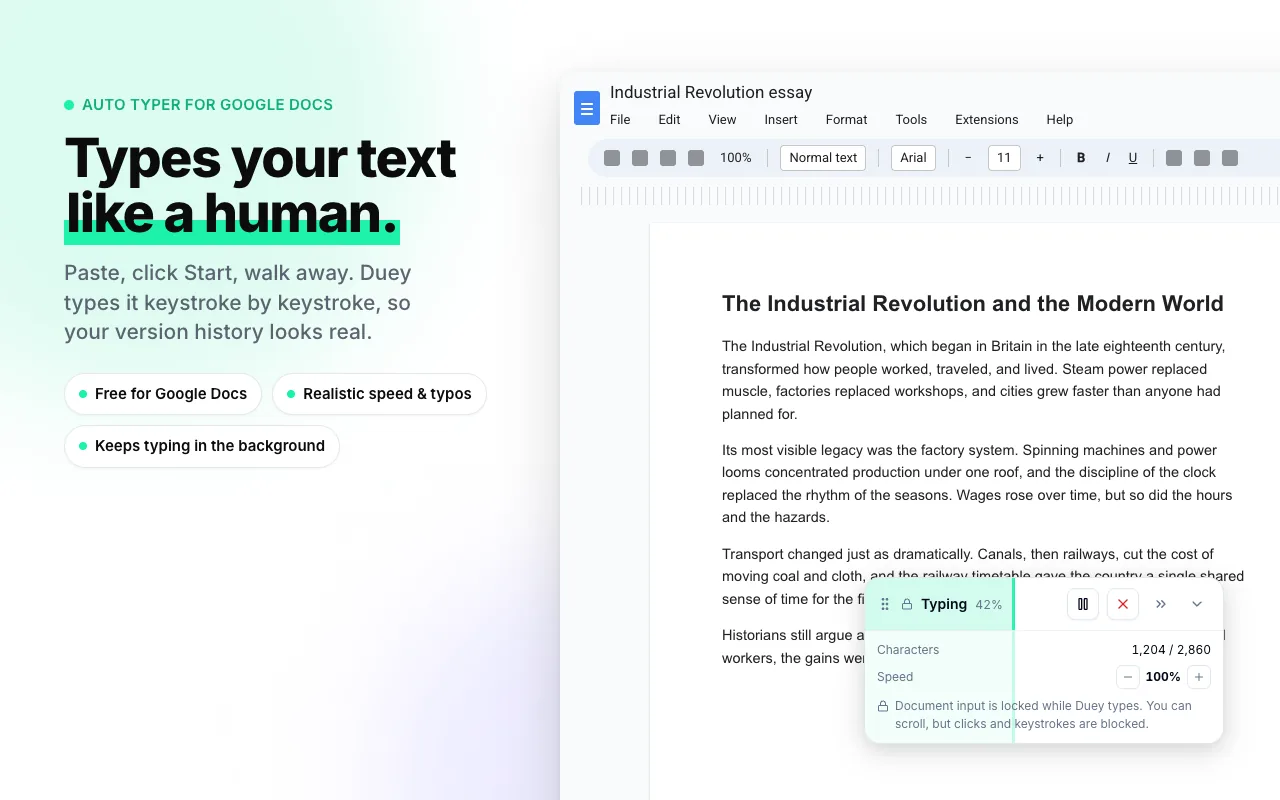
Duey 3.0 is rolling out now on the Chrome Web Store. It's the biggest update we've shipped: the extension can fill in a whole outline in one go, you can halt it from anywhere with a keyboard shortcut, and the way it makes (and fixes) mistakes is closer than ever to how a person actually types.
Here's what's new.
Multi-block typing: fill in a whole outline in one run
Until now, Duey typed one block of text at one spot in your document. That's fine for a blank page, but plenty of documents aren't blank. Worksheets have questions. Templates have headings. Assignments come with a structure already in place.
Multi-block typing handles that. Paste each part of your text as its own block, click in the document where each one should go, and hit Start. Duey works through them in order, typing under the first heading, then the second, then the third, all in a single run, with the same human pacing, typos and pauses throughout.
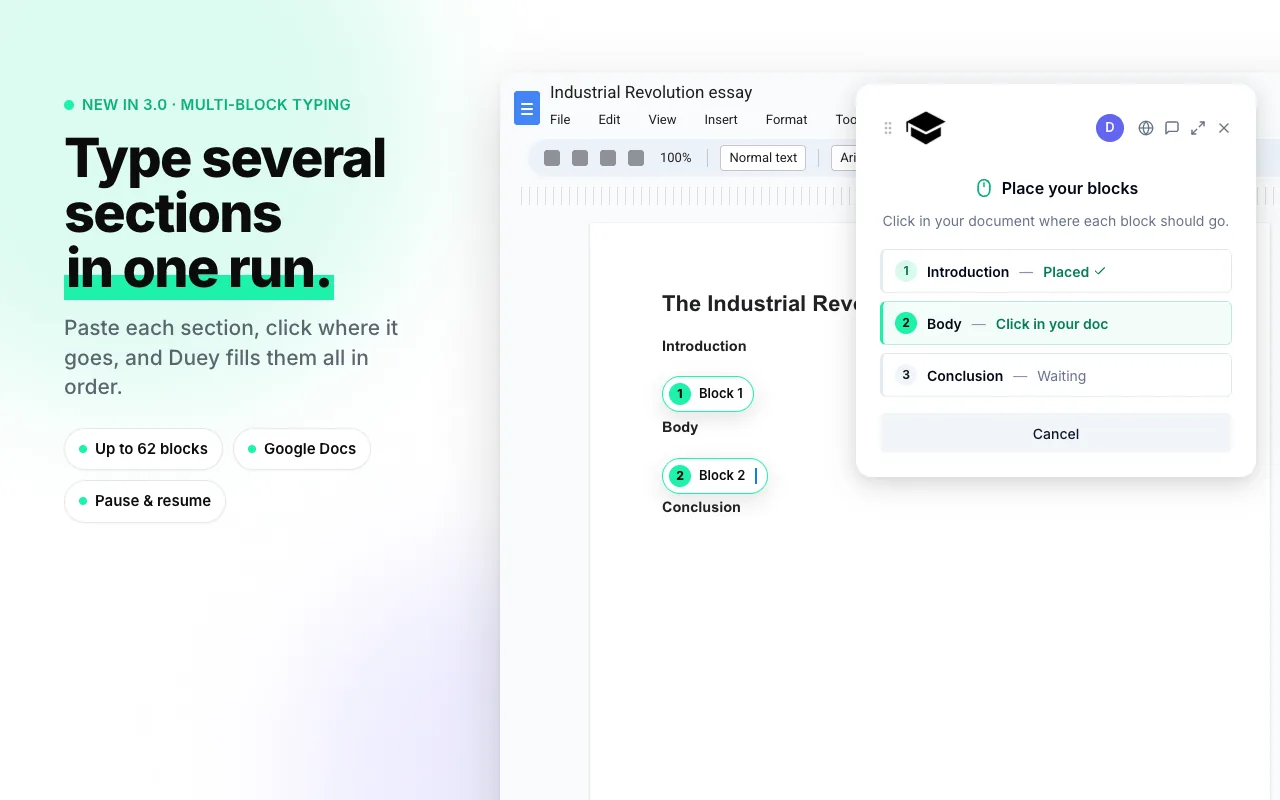
Paste each section as its own block, click where it goes, and Duey fills them in from the top down.
While you're placing blocks, Duey marks each spot with a label on screen. Those labels never touch the document itself, so nothing extra shows up in your version history. Made a mistake? Undo the last placement and click again.
You can place up to 62 blocks in a run, and pause and resume mid-run just like before. Multi-block typing is free on Google Docs in both Standard and Pro modes. The free Pro trial allows three blocks per run.
Emergency stop: Ctrl+Shift+S
Sometimes you need typing to stop right now. Someone walks over, the wrong document is focused, or you spot a mistake in what you pasted.
Press Ctrl+Shift+S (⌘⇧S on Mac) and Duey pauses instantly. It works from anywhere in the browser, so you don't have to find the panel or hunt for the pill first. Resume or cancel from the pill when you're ready.
Pro formatted typing on Windows and Chromebooks
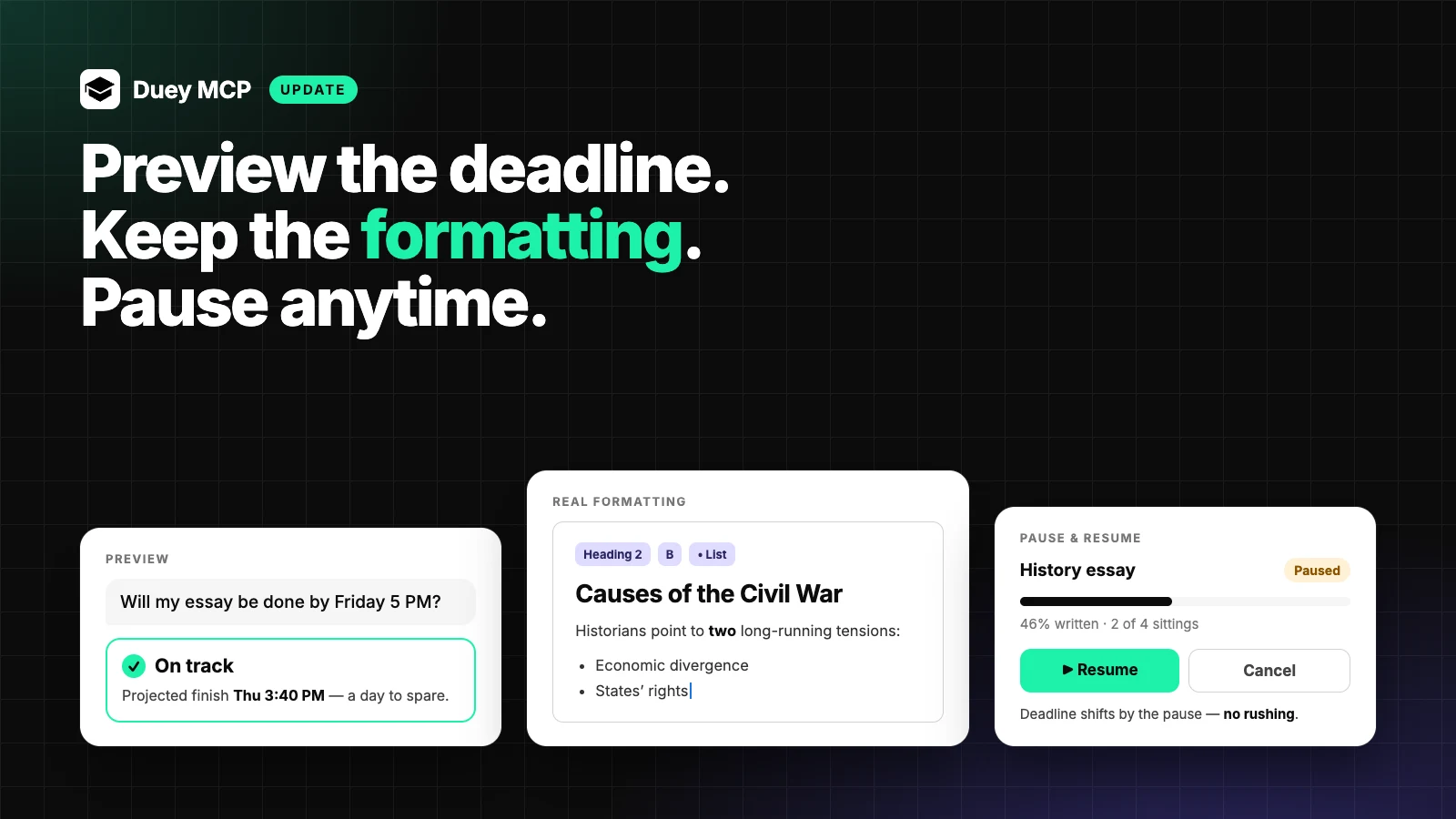
Formatted typing, where Duey reproduces your headings, bold text, lists and links as it types rather than pasting plain text, has been Mac-only since it launched. Not anymore. Pro users on Windows and Chromebooks now get the same formatting support, so a structured document comes out structured, keystroke by keystroke, no matter what you're typing on.
Mistakes and Speed controls, right where you need them
Realism has always been the point of Duey, and in 3.0 it's easier to tune.
Two things changed. First, the default typo rate is lower. Out of the box, Duey now makes fewer mistakes, which matches how most people type when they're paying attention.
Second, Mistakes and Speed now live directly on the form when you set up a run, and in the typing pill while a run is in progress. You don't need to open settings to adjust them. Nudge the speed up, dial the mistakes down, and watch it take effect live.
There's also a small bit of smarts under the hood: once you push speed above 90 WPM, Duey automatically switches to quick corrections and fewer pauses. Fast typists don't linger on their typos, and now neither does Duey.
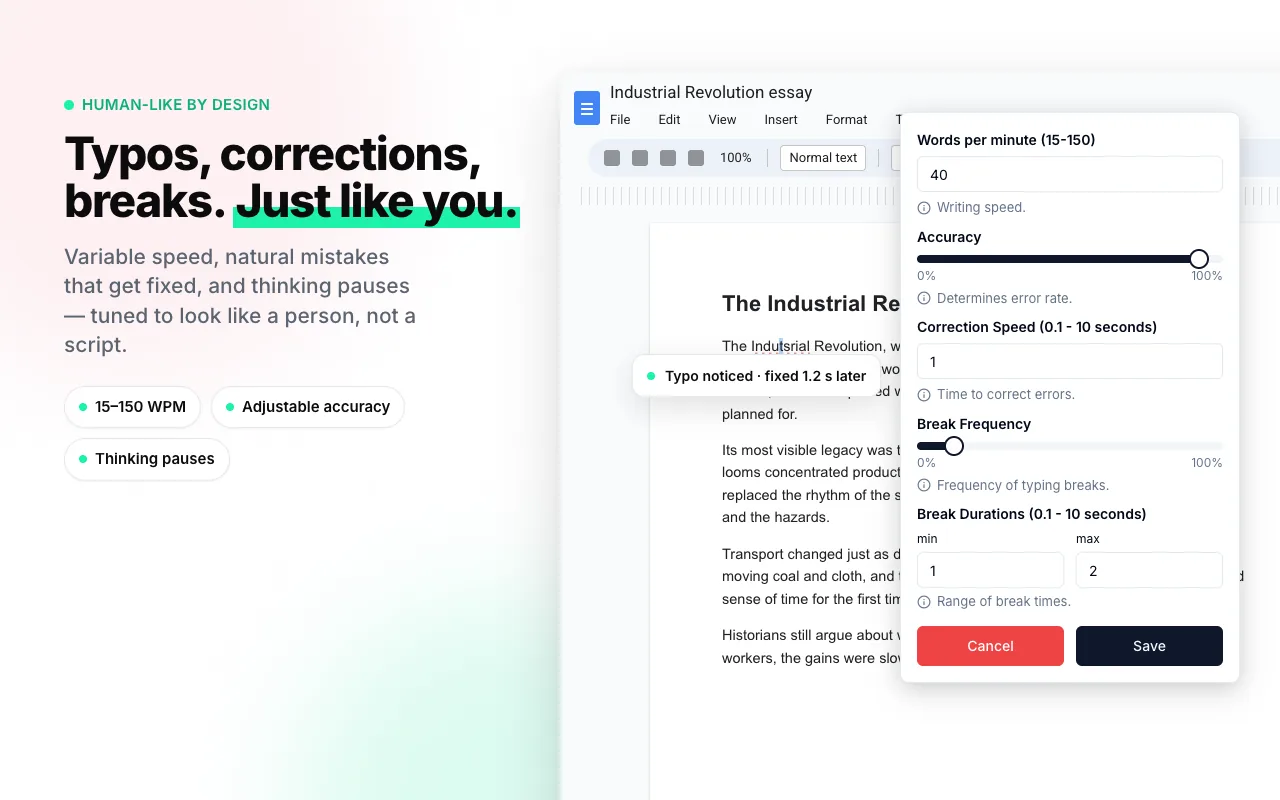
Want finer control? Customize still lets you set correction timing and breaks yourself.
Adaptive Corrections
This is the one we're most pleased with. Watch someone fix a typo and you'll notice they do it two different ways. If they catch it immediately, they tap backspace a few times and retype. If they notice it a few words later, they go back, select the wrong word, and type over it.
Duey 3.0 can do both. Typos caught early get the backspace-and-retype treatment; typos caught late get selected and replaced. Which one happens depends on how far the "typist" has gotten before noticing, so the pattern varies naturally across a document, the same way it does in real version history.
Adaptive Corrections is switching on gradually so we can compare it against the classic behaviour. If you'd like it right away, open Customize and flip the Adaptive Corrections switch under Advanced settings.
Also in this release
Your free Pro session is no longer consumed if plan generation fails. If something goes wrong on our end before typing starts, you keep your session.
Get it now
The 3.0 update rolls out automatically to existing users over the next 24 hours. To grab it immediately, head to your Chrome extensions page and click Update.
New here? Duey is free on Google Docs, no account needed. Pro adds Google Slides, Microsoft Word Online and formatted typing.
Update, October 27, 2026: The free Auto Typer now works in Google Slides and Microsoft Word Online as well as Google Docs. See what's free and what Pro adds.
Multi-block typing and Adaptive Corrections both came from your feedback. The next thing we build probably will too, so keep it coming.