Introducing Duey Sessions: Close the Tab, Duey Keeps Typing
Introducing Duey Sessions — the cloud auto typer for Google Docs. Set a deadline, close the tab, and Duey writes your document with a real revision history while you're away.

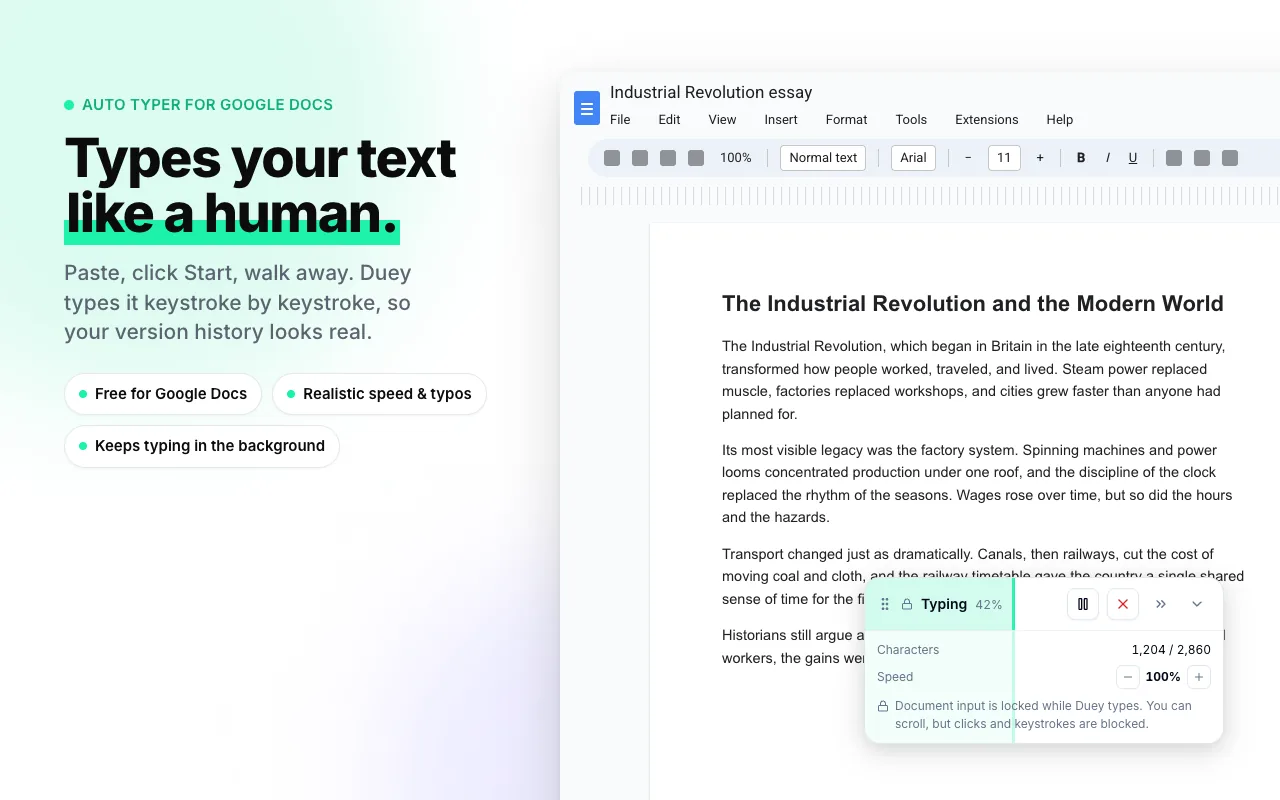
Auto Typer has always had one rule: keep the tab open. Duey types in real time, right in front of you — and the moment you close that tab, the session stops.
Today that rule goes away. Meet Duey Sessions — a cloud auto typer for Google Docs that keeps writing after you've closed the tab, shut the laptop, and walked out the door.
Close the tab. Duey keeps typing.
Sessions doesn't run in your browser. It runs on our servers.
That one difference changes how you use Duey. You paste your draft, set a deadline, and close the tab. Duey writes your Google Doc in the background — while you're asleep, in a meeting, at the gym, or doing anything that isn't sitting at your computer watching a document type itself.
No tab to babysit. No extension required. No laptop that has to stay awake. You set it up once, and Duey takes it from there.

Set a deadline, then go live your life
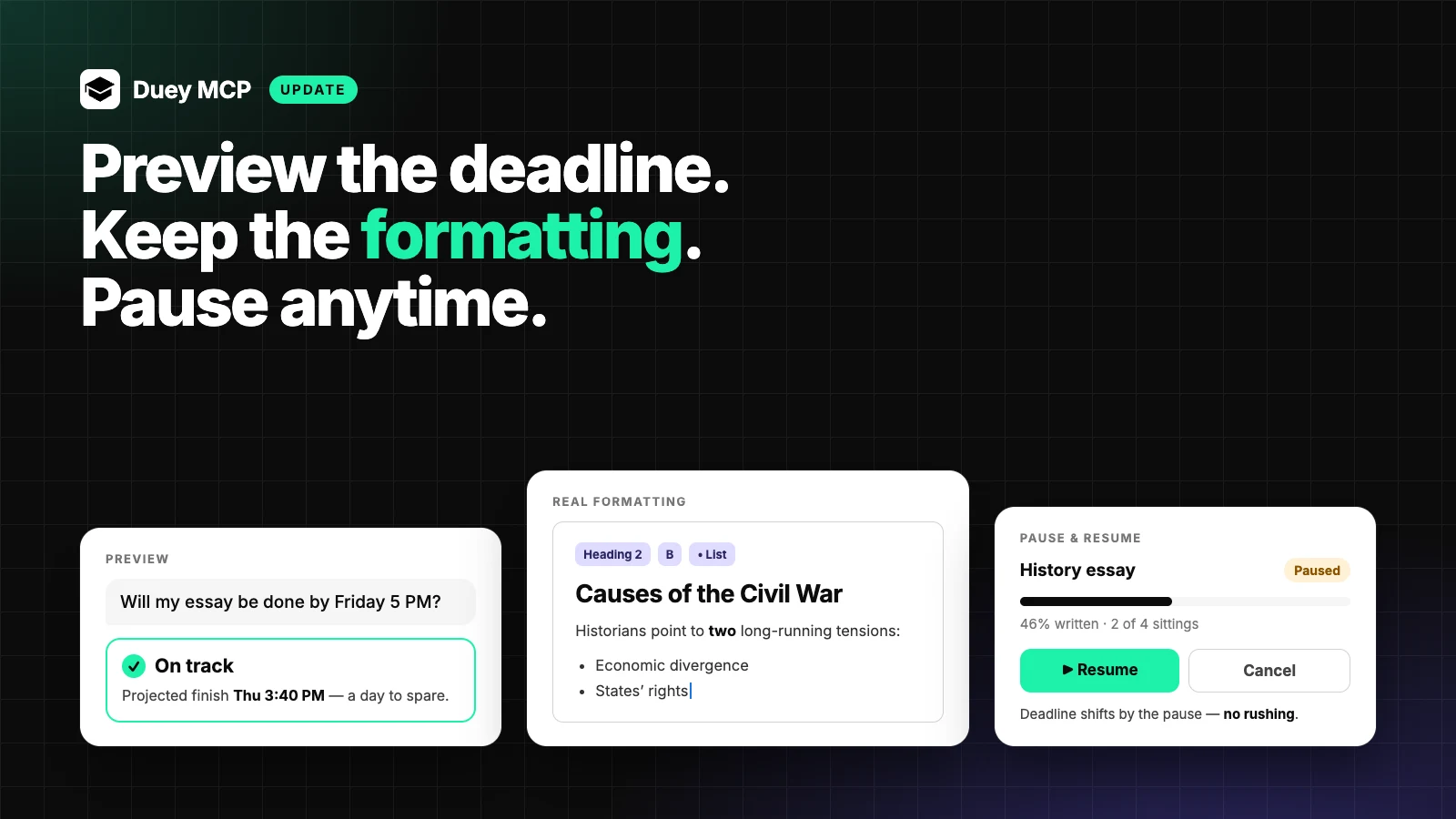
Tell Sessions when you need the document done — the next few minutes, the end of the day, or three weeks from now — and Duey works out the pace.
Scheduled mode spreads the writing across natural work-hour windows (9 AM to 9 PM in your timezone by default, or set your own). Instead of one frantic burst, your document grows the way a real one does: a few hundred words in the morning, a bit more after lunch, a final stretch in the evening.
A day on Sessions looks something like this:
- 8:00 AM — you're still asleep. Duey adds a couple hundred words.
- 12:30 PM — you're out grabbing coffee. Duey keeps going.
- 4:00 PM — you're in a meeting. The doc keeps growing.
- 8:30 PM — you wind down. Duey finishes the last stretch and wraps up.
You never opened the tab. The document wrote itself across the day.
The paste is the tell
Here's the thing about pasting a finished draft into a Google Doc: the version history shows exactly one event — a single timestamp, one block of text appearing all at once. Anyone who reviews that history (and schools, employers, and editors increasingly do) knows what a paste looks like.
You did the actual work. You researched it, outlined it, wrote it. But a pasted draft doesn't show any of that process — it just shows the destination.
Sessions writes your document the way a person actually writes one: over time, in multiple passes, with a revision history made of many small edits instead of one. The history reflects a real writing process because Duey genuinely types it out, paragraph by paragraph, across hours or days.
We'll be straight with you — no tool can promise how a particular reviewer will judge a piece of writing, and we don't make that claim. What Sessions delivers is a version history shaped like real work. The history speaks for itself.

How it works
Three steps to start a Session:
- Connect Google Drive. A one-time sign-in. Duey only ever touches the documents it creates for you — nothing else in your Drive.
- Paste your draft and pick a deadline. Add a title, set the deadline, and optionally set your work hours. Duey figures out the rest.
- Walk away. Check progress from your dashboard whenever you like, cancel anytime, or hand the finished draft to the Humanizer in one click.
Sessions or Auto Typer — which one?
Both do the same job. They suit different moments.
Reach for Sessions when you want to walk away — close the tab, set a deadline, let it run in the cloud. Sessions is Google Docs only for now.
Reach for Auto Typer when you're at your computer and want to watch it happen in real time. The extension still works in Google Docs, Google Slides, and Word Online.
Walking out the door? Sessions. Sitting down to work right now? Auto Typer.
Free to start
Your first Session is free — up to 3,000 characters, scheduled mode, no card required. Enough to see exactly how it works on a real document.
Unlimited is $5/month billed yearly (or $9.99 month-to-month) and unlocks the rest: unlimited Sessions, any document length, ASAP mode for when you can't wait, custom work hours, appending to docs you already own, Markdown-to-formatting, and multiple concurrent Sessions. It also includes Auto Typer Pro, the Humanizer, and the AI Detector — the full Duey toolkit.

Run Sessions from inside your LLM
If you live inside Claude, ChatGPT, or Cursor, you can now schedule Sessions without leaving the chat. The new Duey MCP server connects Duey to any MCP-compatible LLM — tell it to "write this draft into my paper over the next three days" and it does, end to end.
Get it now
Sessions is live today. Paste a draft, set a deadline, and close the tab.
Set the deadline. Close the tab. We'll take it from here.