How Teachers Check Google Docs Version History for AI
What instructors see in Google Docs version history, the patterns that get flagged, and why the revision trail now matters as much as an AI score.
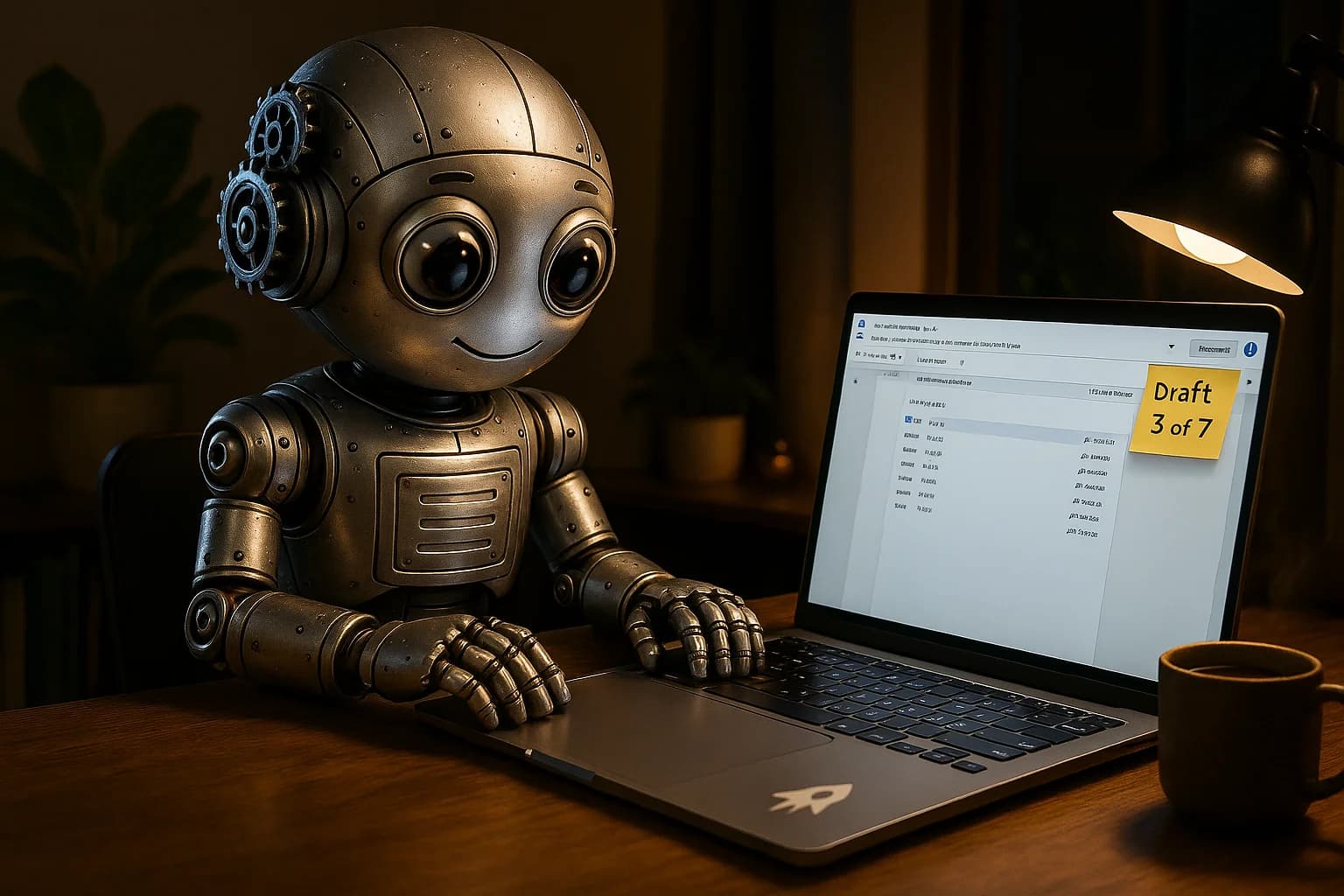
A student turns in a midterm essay and, alongside the PDF, the syllabus asks for something new: a share link to the Google Doc it was written in, with editor access. The instructor is not planning to read the essay twice. The instructor is planning to scroll through the document's past.
That request has become routine. AI detector scores are easy to dispute, so a growing number of courses now treat the revision trail as the primary evidence of how a paper was written. If a professor asks for your doc link this term, this is what happens on the other end.
Why instructors moved from scores to history
Detector percentages have a credibility problem. Turnitin itself tells instructors that its AI indicator should start a conversation rather than settle one, and several universities restricted the feature after false positives (the mechanics are covered in how Turnitin's AI detection works). A score of 40% leaves everyone arguing about a number.
Version history looks like a better kind of evidence because it records behavior instead of guessing at style. Communications professor Joseph Reagle described the shift in a December 2025 post on reviewing student version histories: he began requiring history links for major assignments and found that the trail cleared some students he had suspected, while raising questions about others.
The software side has followed. Turnitin built a separate drafting environment, Turnitin Clarity, that records pasted text, typing patterns and construction time and lets educators replay the writing session. Schools that do not pay for it get much of the same view from Google Docs plus a free browser extension.
What a teacher actually sees in Google Docs
Google's built-in tool is the starting point. With edit access, anyone can click Last edit (or File, then Version history) and open a panel listing past versions with timestamps and author names, according to Google's own help page. Clicking a version highlights what was added since the previous one. Versions get grouped into blocks that can be expanded, and named versions are kept separate.
Two details matter here. First, the instructor needs editor permission to browse history at all, which is why assignments ask for "anyone with the link can edit." Second, the native panel shows snapshots, not keystrokes. It tells a reviewer that 600 words appeared between 11:02 and 11:04 PM, but it does not animate the typing.
That gap is what extensions fill. The Revision History extension for Docs and Slides, which lists roughly 300,000 users, adds a timeline of editing sessions, total time spent, a video replay of the document being built, and markers on large pastes and deletions. Older tools such as Draftback work in a similar way. Process Feedback, another add-on mentioned in Reagle's post, produces a summary report of the same data.
With one of these installed, a reviewer can watch a 2,000-word paper get written in about ninety seconds of playback and form an impression fast.
The patterns that get a document flagged
Reviewers are not running a formal test. They look for shapes in the timeline that do not match how people usually draft. The common ones:
Large paste events. A block of several hundred words arriving in one revision is the single loudest signal. Extensions mark these with an icon, so they stand out even in a skim.
Very few versions. A real draft of a long paper tends to produce dozens of snapshots over several sittings. A document with three or four versions in total reads as something assembled elsewhere and dropped in.
Linear, edit-free drafting. Reagle singles out text written from the first sentence to the last with almost no backtracking, no moved paragraphs and no visible response to feedback. Human drafts wander. Introductions often get written last.
Compressed timing. A 1,500-word assignment produced in a single hour the night before the deadline is not proof of anything, but it pulls attention, especially when paired with linear drafting.
Uniform typing speed. In replay, people speed up on easy sentences, stall on hard ones, and leave gaps while they check a source. Text that flows at a constant rate with no pauses looks scripted, even if it was typed rather than pasted.
No outline or notes. Reagle notes that legitimate work in his courses often began with an outline and source notes in the same doc. A history that starts with polished prose on line one has nothing behind it.
None of these patterns proves AI use. Plenty of students draft in Notes, Word or a paper notebook and paste the result into Docs at the end. That is also the most common source of false suspicion, and it is why the history alone rarely decides a case.
What version history cannot show
The trail records what happened inside one file. It has blind spots that reviewers and students should both understand.
It cannot see other windows. A student who reads a ChatGPT answer on a second monitor and retypes it in their own words leaves a history that looks human, because a human did the typing. The tool measures the act of composition, not where the ideas came from.
It cannot see brainstorming. Reagle admits that AI-assisted outlining is close to impossible to police, and his policy leans on disclosure rather than detection for that stage.
It does not capture work done offline or in another app. Drafts written in Word, on a phone, or in a different Google account show up as a paste, which is the same signature as copying from a chatbot.
It can be thin for legitimate reasons. Google merges some revisions on its own, so a short assignment written in one sitting may only produce a handful of versions.
The practical upshot is that version history works best as context. A reviewer who sees one large paste usually asks where it came from, and a student who can produce the original draft file tends to resolve the question in one email.
Keeping a clean revision trail when you draft elsewhere
If the course requires a history link, the simplest approach is to write in the doc that will be submitted, from the first outline line onward. Notes, quotes and messy bullet points at the top of the file are useful evidence. Delete them at the end and the history still shows they were there.
When a draft has to live somewhere else first, keep that original file. A Word document with its own timestamps, or a paper outline photographed on the day, explains a paste better than any argument after the fact.
Spreading work across sessions helps for the same reason. A timeline with four or five sittings over a week looks like normal drafting, because it is.
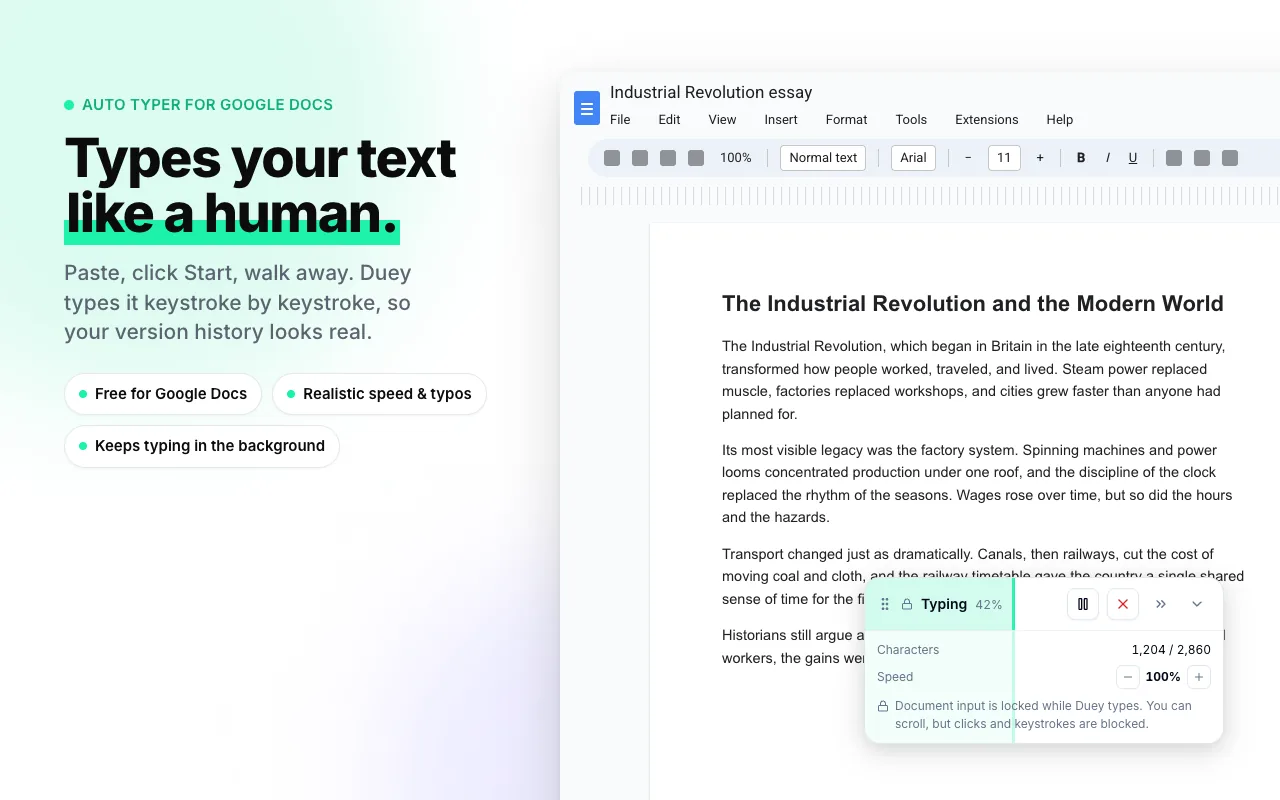
For writers who already have finished text (from an earlier draft, a different editor, or AI-assisted work they have revised) and want it to appear in a Google Doc the way typed text does, that is the job an auto typer handles. The free Duey Auto Typer extension types text into Docs, Slides and Word Online at a human pace instead of pasting it, so the history shows typing rather than a single block. Auto Typer Pro adds variable speed, pauses and natural corrections, which addresses the uniform-speed pattern above; the details are in the Duey Pro and Auto Typer Pro announcement. For longer papers, Duey Sessions spreads the typing across days before a deadline so the timeline shows multiple sittings.
Two cautions apply. Typing behavior and prose style are separate signals, and a reviewer reading the final essay will still notice text that sounds machine-written. Running a draft through the AI Detector first shows how it reads statistically, and the Humanizer adjusts rhythm and vocabulary where needed (the reasons are explained in GPTZero's perplexity and burstiness, explained). Second, check the course policy. Some instructors require Turnitin Clarity or another proprietary editor instead of Google Docs, and in those cases the Docs history is not what gets reviewed.
Where this is heading
Process-based review is spreading because it is cheaper to defend than a detector score. Share-link requirements are showing up in more syllabi, and keystroke-level tools are moving from pilots into paid licenses, so disputes increasingly turn on timestamps instead of percentages. For students, the takeaway is mechanical: the file's history is now part of the submission, so it pays to know what it records.
The Duey Auto Typer page covers how typing into Docs works, and Duey Pro bundles Auto Typer Pro, Sessions, the Humanizer and the AI Detector.
FAQ
Can a teacher see my Google Docs version history if I only shared view access?
No. Google requires edit permission to open version history, which is why instructors who check it ask for editor links. A viewer or commenter link shows only the current text.
Does Google Docs show copy and paste in version history?
Not directly. The native panel shows that a chunk of text appeared between two snapshots, which makes a large paste easy to spot. Extensions like Revision History go further and mark paste events explicitly in a replay.
Can I delete version history in Google Docs?
Not for the original file. Making a copy creates a new document with a fresh history, but a copy created the night before a deadline is itself a visible signal, and many instructors ask for the original link.
Is a short version history evidence of AI use?
No. Google merges revisions automatically, and short assignments written in one sitting can produce very few versions. Reviewers generally look at the pattern alongside the writing itself and any drafts the student can produce.
Does typing text in instead of pasting change an AI detector score?
No. Detectors like Turnitin and GPTZero score the final prose, not how it entered the document. Version history and detector scores are separate checks, so each one needs to be handled on its own terms.
Want your Google Doc to show the writing process along with the finished text? Try the free Duey Auto Typer and see how a typed history looks compared with a paste.