Introducing the Duey MCP Server: Run Duey From Inside Claude, ChatGPT, and Cursor
Meet the Duey MCP server — install it once and run Duey Sessions, the Humanizer, and the AI Detector from inside Claude, ChatGPT, or Cursor. One URL, nine tools, OAuth, no API keys.

If you do your thinking in Claude, ChatGPT, or Cursor, your writing probably starts there too. You draft, you revise, you argue with the model until the paragraph finally sounds right. And then you copy the whole thing out, open a Google Doc, and paste it in.
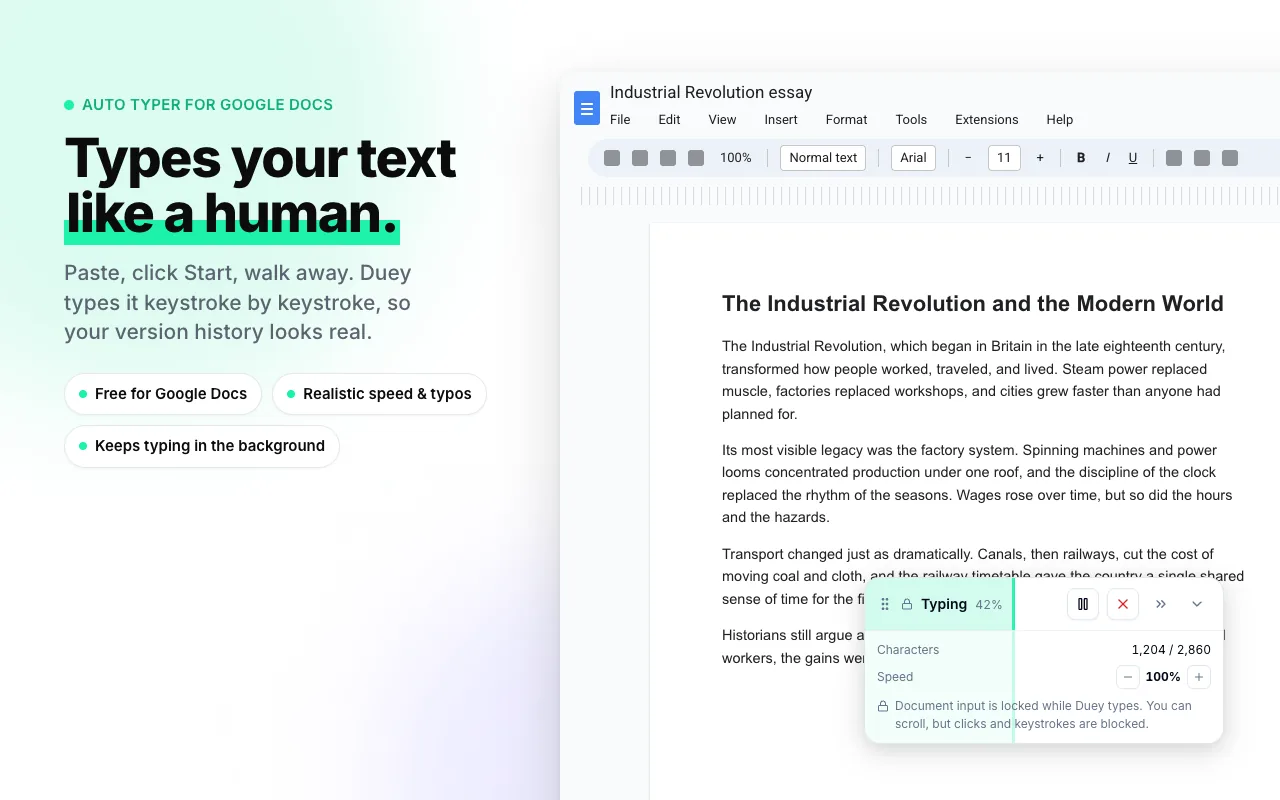
That last step is the weak link. A pasted draft lands in your version history as one event — a single timestamp, one block of text appearing all at once. Anyone who reviews that history knows exactly what a paste looks like.
Today that last step goes away. The Duey MCP server plugs Duey straight into your AI chat. Tell Claude to write your draft into a Google Doc over the next three days, and it does — no new tab, no dashboard, no copy-paste.
What MCP is, in one breath
MCP — the Model Context Protocol — is the standard way to give an AI chat new abilities. You point your LLM at a server, and it picks up a set of tools it can use on your behalf. The Duey MCP server is one of those servers. Install it once, and Claude (or ChatGPT, or Cursor) can run Duey for you.
That's the whole concept. If you've ever connected an app to your AI chat, you already know how this feels.

Your LLM, now fluent in Duey
Once the server is connected, you talk to Duey in plain language — through whatever LLM you already use. No new interface to learn.
- "Start a Duey Session that writes this draft into a new Google Doc over the next two weeks."
- "How far along is my history essay?"
- "Cancel the Session on the lab report."
- "Humanize this section and tell me how it scores."
The LLM does the clicking. You just ask.
Nine tools, scoped to your account
Under the hood, the server hands your LLM nine tools. Six of them run Sessions:
create_session— schedule a Duey Session over hours, days, or weeks.list_sessions— see everything scheduled, running, and completed.get_session_status— check progress on a specific Session.cancel_session— stop a scheduled or running Session.list_recent_docs— pick a recently-touched Google Doc to write into.get_session_transcript— read the source text being typed.
Two more cover the rest of the Duey toolkit:
humanize_text— rewrite AI-generated text to read as human-written.detect_ai_text— score how AI-written a passage looks.
And one is strictly read-only:
get_account_status— check your plan, free-trial state, and Drive connection.
Every tool is scoped to your account and nothing else. The LLM never sees your Google password — Duey holds the Drive credentials, and the model only ever gets the specific tools above. It can't wander anywhere else in your Drive, and it can't act outside Duey.
Installing it takes about two minutes
One server URL works everywhere:
https://app.duey.ai/api/mcp
The exact clicks differ slightly by client.
- Claude Desktop & Claude Code. Open your MCP settings, add a new server, and paste the URL. Claude Code users can add it straight from the command line.
- ChatGPT. Set it up at chatgpt.com → Settings → Apps → Advanced settings → Developer mode → Create app. Once the connector exists, it works in ChatGPT on web, desktop, and mobile.
- Cursor. One-click install from the install guide — the fastest path of the three.
Any client that speaks the standard MCP transport — Streamable HTTP — can connect, so this list will only grow over time.
Sign in once. No API keys.
A lot of integrations hand you an API key and wish you luck — a long secret string to copy, store somewhere safe, and rotate when it leaks. The Duey MCP server doesn't work that way.
The first time your LLM connects, it opens a Duey consent screen. You approve it, and the client gets a refresh token tied to your account — handled with OAuth 2.1, PKCE, and Dynamic Client Registration. Nothing to copy, nothing to paste, nothing to rotate later.
Changed your mind? Head to app.duey.ai/settings → Connected apps, and click Disconnect next to any client. That revokes its access immediately and invalidates every future request from it.
A document you never opened a tab for
Here's what this adds up to.
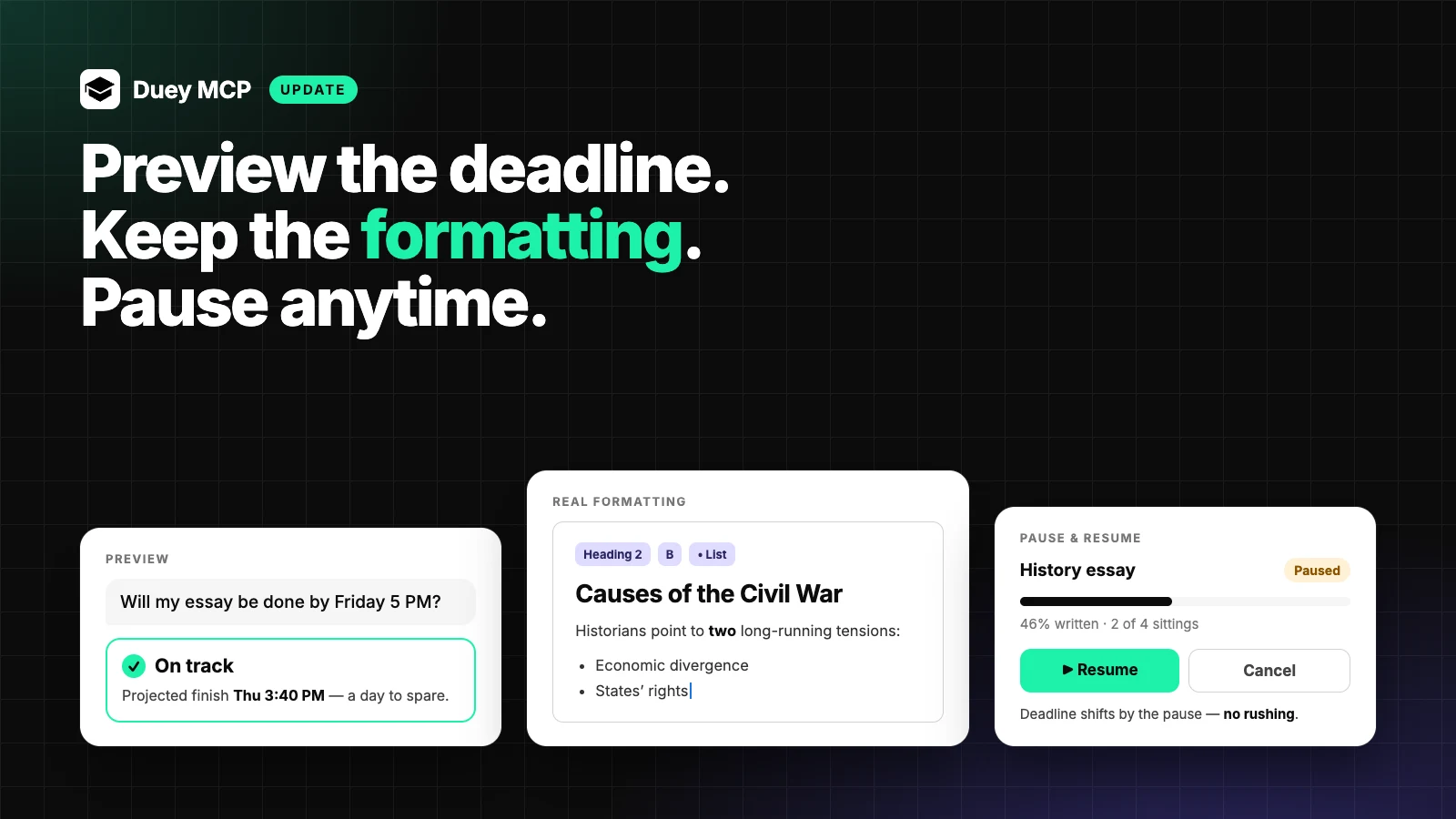
You're in Claude, working through an essay. The draft finally sounds right, and instead of leaving to deal with the Google Doc, you stay. You say: "Start a Duey Session that writes this into a new Google Doc titled 'Civil War Essay' over the next three days, 9 to 9." Claude calls create_session. Three days later the doc is done — written paragraph by paragraph, in passes, with a revision history made of many small edits instead of one big paste.
You never opened a Google Doc. You never opened the Duey dashboard. You never even left the conversation.

What it costs
The connector is free. Installing the Duey MCP server costs nothing, and it never will.
What it schedules still follows the normal Sessions rules. The free tier includes one trial Session — up to 3,000 characters, scheduled mode, no card required. Unlimited — $5/month billed yearly, or $9.99 month-to-month — unlocks unmetered Sessions, any document length, ASAP mode, and the rest of the toolkit: Auto Typer Pro, the Humanizer, and the AI Detector.
Get it now
The Duey MCP server is live today. Pick your LLM, paste one URL, sign in once.
New to Sessions? Start here.
One URL. One sign-in. Duey, right where you already work.