Duey Auto Typer 2.4.7: Type in the Background, For Real
Duey 2.4.7 keeps typing at full speed even when the tab is in the background, minimized, or hidden — plus live progress in your tab title, more natural typing, and cleaner Google Slides runs.
Our last update put a warning in your tab title. When Duey was typing in a tab you'd navigated away from, you'd see a ⚠ — because Chrome quietly throttles background tabs, and a run that should take four minutes could stretch to thirty.
That warning did its job. Now it's retired.
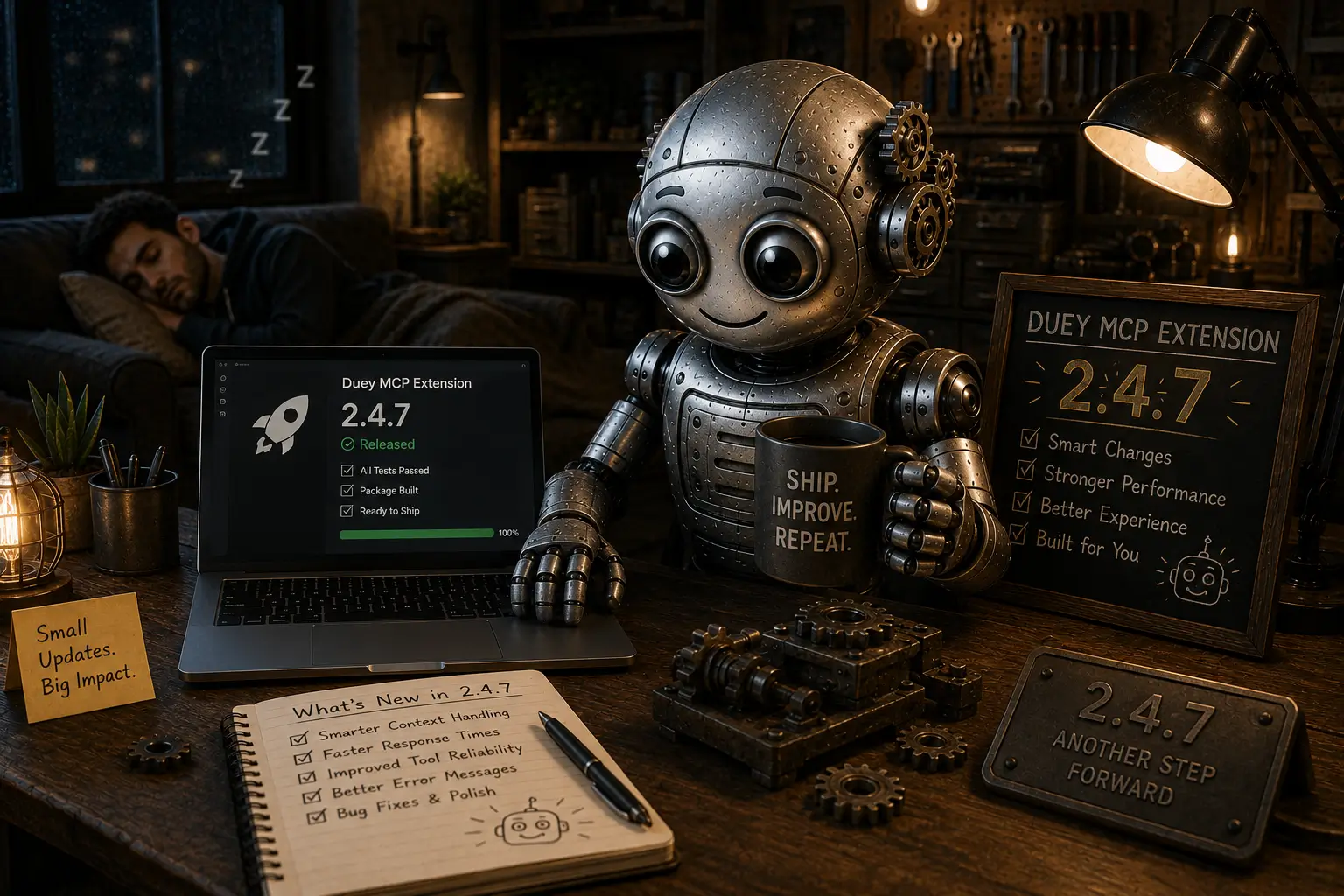
Duey 2.4.7 fixes the thing the warning was warning you about. Background typing just works now — at full speed, every time. Here's everything in this release.
Type in the background — for real now
Start a run, switch tabs, minimize the window, bury it behind six other apps. Duey keeps typing at full speed the whole time. No throttling, no stretched-out estimates, no warning to manage.
This is the change we're most excited about. The whole point of Duey is that you set a run going and get on with your life — and until now, "get on with your life" came with an asterisk. You had to keep the tab visible, or pop it into its own window, or watch the estimate balloon. That asterisk is gone. Start a run, go make coffee, answer email, take a walk. When the document is finished, Duey sends you a notification so you don't have to keep checking back.
One new thing you'll notice: while a run is going, a small muted-speaker icon appears in the tab, next to the title. That's expected — and it's nothing to worry about. Duey isn't playing any sound, and nothing will ever come through your speakers. The icon is simply part of how Duey keeps a run moving at full speed when the tab isn't in focus. It clears on its own the moment the run finishes.
Progress, right in your tab
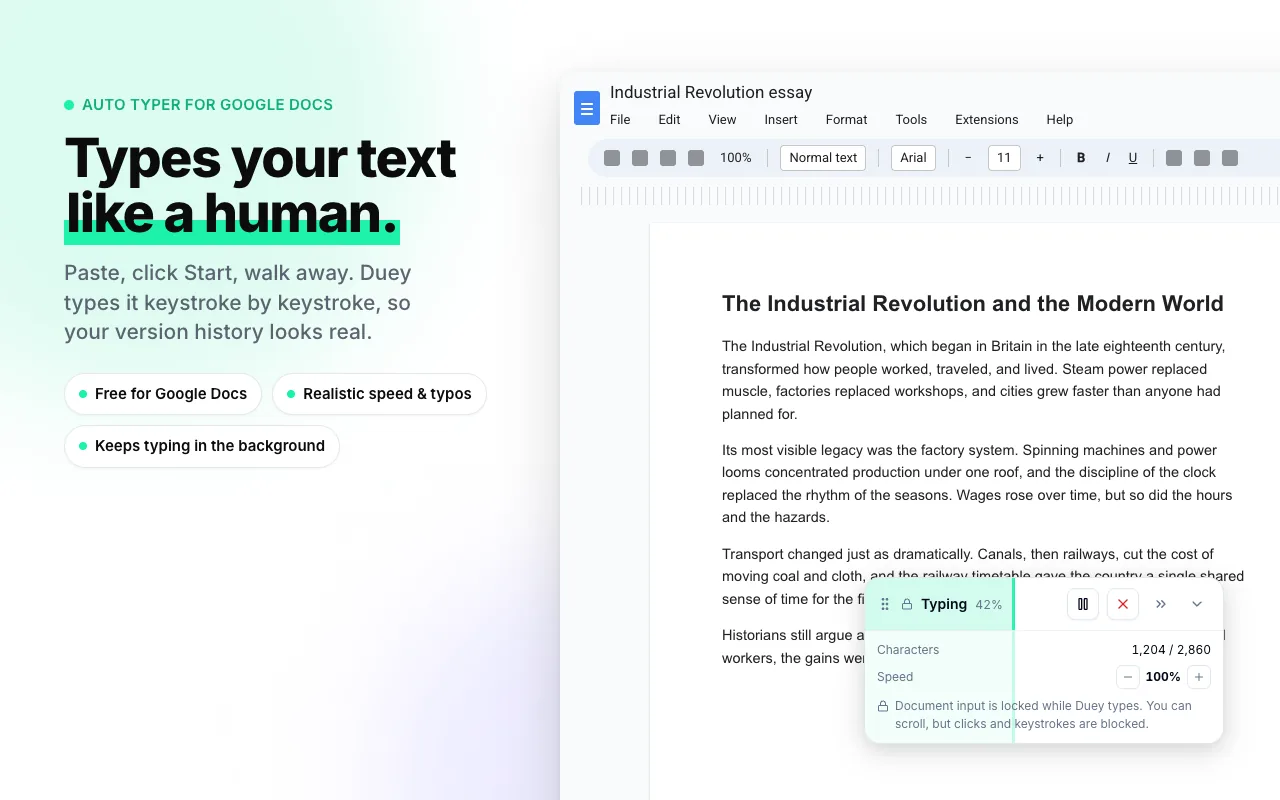
You no longer have to switch back to Duey to see how a run is going. The tab title now shows the live percentage — something like "[42%] My Doc" — so you can check progress from any other tab or window without breaking what you're doing.
Glance over, see the number, get back to your work. When it reads 100%, you're done. And since background runs no longer slow down, that number climbs at a pace you can actually trust — which is exactly why the ⚠ warning from our last release isn't here anymore. You won't be needing it.
Typing that reads even more like you
Duey's typos and corrections are what make a run read like a person at a keyboard instead of a machine. In 2.4.7 we refined their rhythm — the timing of when a mistake shows up, how long it lingers, when it gets fixed. Small adjustments on their own, but together they make a finished document read even more naturally. There's nothing to turn on; every new run uses the improved rhythm automatically.
Smoother Google Slides
Duey's Auto Typer works on Google Slides as well as Google Docs and Word Online. In this release we cleaned up a Slides-specific issue where the occasional stray keystroke could slip in while Duey was typing into a slide. Slides runs are now cleaner and more reliable, with nothing landing on the slide that shouldn't.
Get it now
The 2.4.7 update rolls out automatically to existing users over the next 24 hours. To grab it immediately, head to your Chrome extensions page and click Update.
Start a run. Walk away. Come back to a finished document.