From Docs to Decks: Duey Auto Typer Now Works in Google Slides
Duey Auto Typer now supports Google Slides. Update your extension today to 2.3.0+.

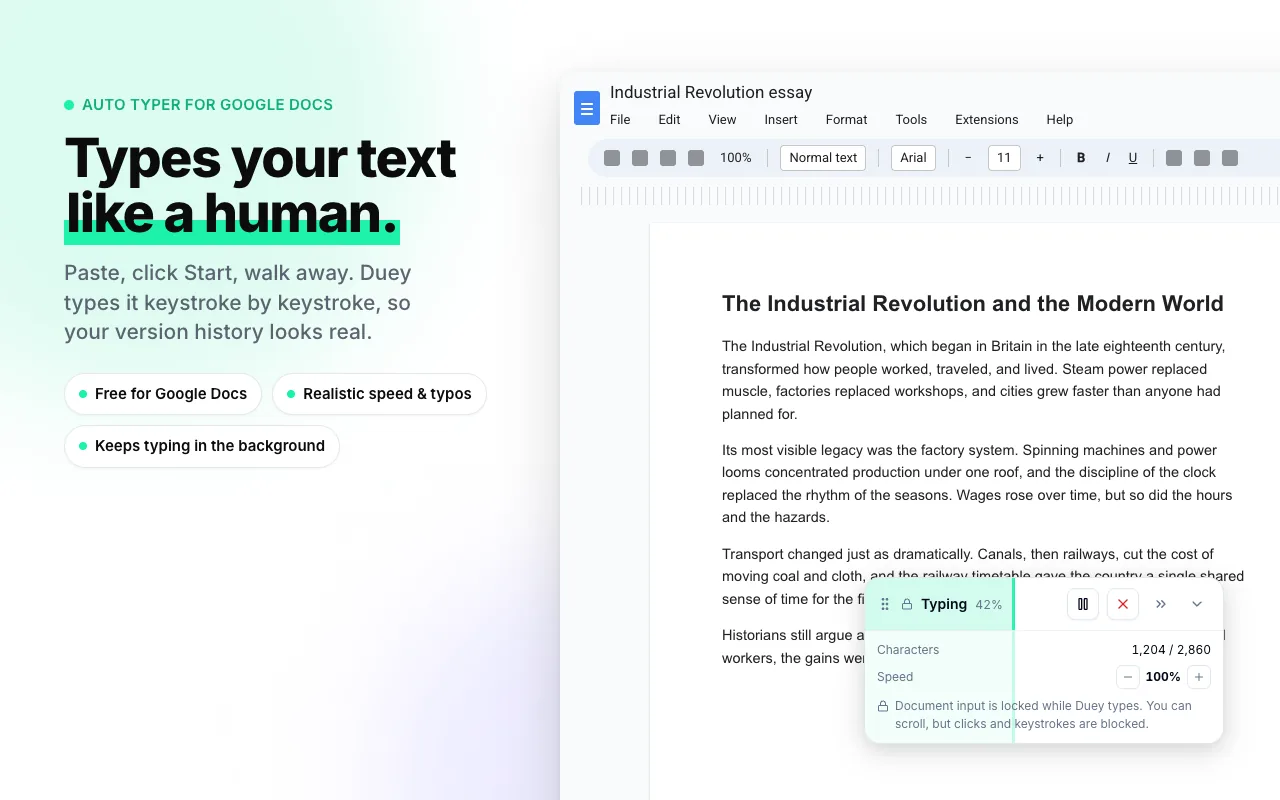
You asked. We listened. As of today, Duey Auto Typer works in Google Slides.
Same realistic typing. Same authentic version history. Now in the place where most of us actually spend our presentation prep time.
Why this matters
Slides are deceptively time-consuming. A 20-slide deck can hide thousands of words across titles, bullets, and speaker notes — and like Google Docs, Google Slides keeps a full version history of every keystroke you make. That history can be reviewed by teachers, employers, and anyone else who wants to see how you put your presentation together, not just what's in it.
The same logic that made Auto Typer essential for Google Docs applies here. You've already done the thinking. You've outlined the talk, structured your argument, chosen your examples. The act of typing it all into slides is the part that eats your evening — and now you don't have to.
Who this is for
The audience is the same one we built Duey for from day one:
- Students prepping presentations who'd rather rehearse than type bullets
- Working professionals turning a finished outline into a board-ready deck
- People with dyslexia, ADHD, motor difficulties, or chronic conditions who need every minute back
- Anyone who's ever stared at slide 12 of 30 and wondered why typing the same five-word bullet feels like a chore
What's the same, what's different
Everything you already know about Auto Typer carries over. Free tier works in Google Slides today, no account required. Pro adds the same realistic-typing engine — adaptive rhythm, natural pauses at slide and section breaks, occasional self-corrected typos — that makes your version history indistinguishable from someone typing slide by slide.
If you're already using Duey for Google Docs, you don't need to do anything other than make sure you're using version 2.3.0+ of our extension an then open Slides. The extension is there.
Get it now
The update is live in the Chrome Web Store. Free, as always.
Slides done. Evening reclaimed.