Why Browsers Slow Down Background Tabs — and How Duey Solved It
Browsers quietly slow down the tabs you're not looking at. For a long time that made Duey runs drag whenever you switched away — here's why it happens, why it mattered, and how Duey 2.4.7 fixed it for good.

Here's the whole promise of Duey: you set a run going, and you walk away. The document writes itself while you do something else — make coffee, answer email, get on with your day. That's the point.
For a long time, there was an asterisk on that promise. The moment you switched away from the Duey tab, the run slowed down. The thing you were supposed to be free to do — leave — was the exact thing that made Duey worse.
In version 2.4.7, that asterisk is gone. To explain why it was ever there, we have to talk about something most people never think about: what your browser does to a tab the second you stop looking at it.
Browsers quietly slow down tabs you're not watching
Open a dozen tabs at once and your computer would grind to a halt if every one of them ran at full tilt. So browsers — Chrome especially — do something sensible. They slow down the tabs you're not actively looking at. A background tab gets less of your computer's attention: its timers fire less often, and its work gets stretched out.
For almost everything you do online, this is invisible and helpful. A news article you've tabbed away from doesn't need to do anything. A background tab that slows down saves battery and keeps your laptop cool, and you never notice.
But Duey is not a news article. Duey is doing steady, carefully timed work — and that's where the trouble started.
Why that mattered so much for Duey
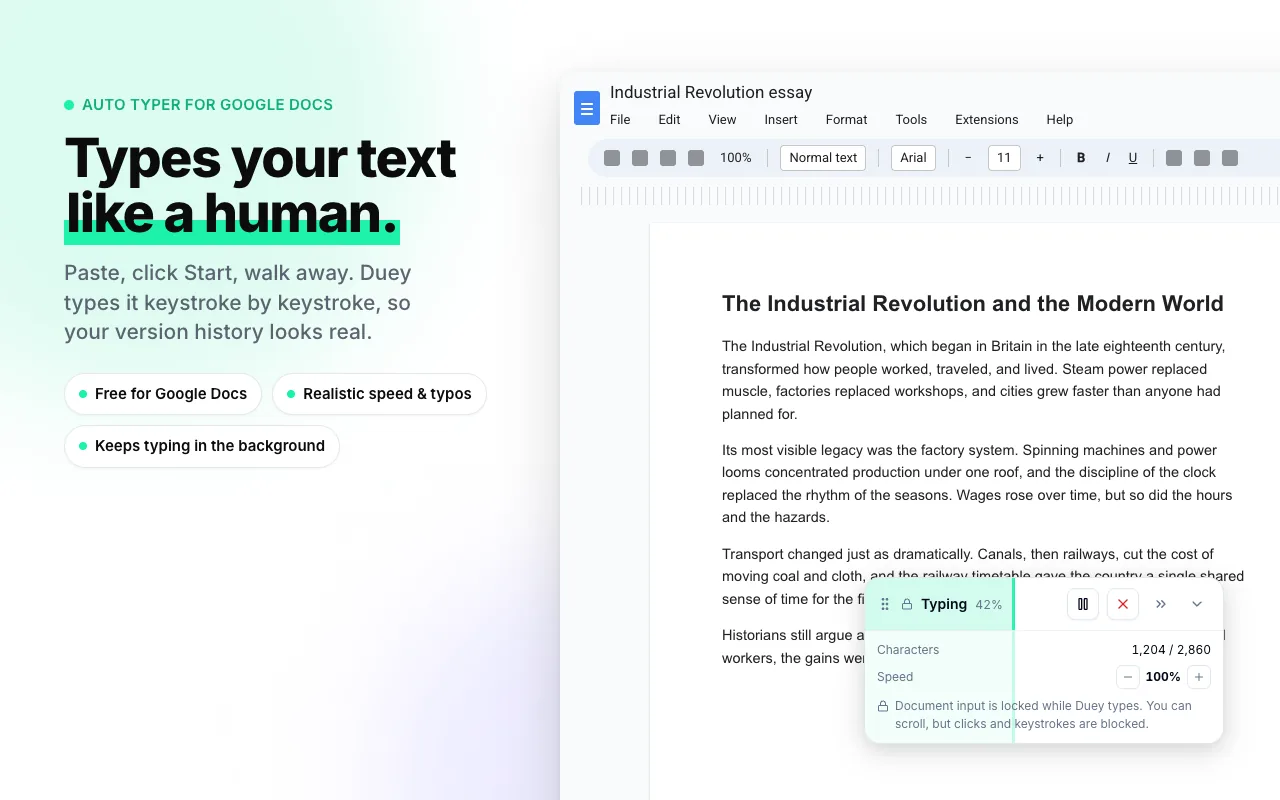
Duey doesn't dump text into a document. It types — at a human pace, with rhythm, pauses, the occasional typo and correction. That pacing is the entire point. It's what produces a document with a natural edit history instead of one that looks like a single paste.
All of that pacing depends on timing. And timing is exactly what a browser stretches out when a tab drops to the background. So when you started a run and switched away, Duey didn't stop — it slowed to a crawl. A run that should have taken five minutes could stretch past thirty. Time estimates became unreliable. And worst of all, the slowdown punished the one thing Duey exists to let you do: walk away.
We knew about it. In version 2.4.5 we even added a warning — when Duey was typing in a tab you'd left, a ⚠ appeared in the tab title to tell you something was off.
The fixes we used to suggest weren't really fixes
For a while, our best advice was a set of workarounds. Pop the Duey tab out into its own window, and the browser treats it a little differently. Keep the tab visible in a corner of your screen. Don't minimize. Don't bury it behind other apps.
All of that worked, more or less. But look at what we were really asking. To use a tool built around walking away, you had to stay. To set a run and forget it, you had to keep an eye on it. The burden was on you to manage a browser quirk you never signed up for. That's not a fix — it's a chore with extra steps.
How Duey 2.4.7 solved it
So we solved the real problem. As of version 2.4.7, Duey keeps its own tab fully awake — no popping out windows, no keeping it visible, nothing for you to manage. Start a run, then switch tabs, minimize the window, hide it behind every other app you have open. Duey keeps typing at full speed the entire time. The five-minute run takes five minutes. The estimate you saw is the estimate you get.
You'll notice one small new thing while a run is going: a muted-speaker icon in the tab, next to the title. That's simply the visible sign that Duey is keeping the tab awake. Nothing is playing, nothing will ever come through your speakers, and the icon clears the moment the run finishes.
We also made the new freedom easy to use. The tab title now shows live progress — something like "[42%] My Doc" — so you can check on a run from any other tab or window. And when the document is finished, Duey sends you a notification, so you don't have to keep looking back.
What this actually means for you
The change is small to describe and big to live with: Duey's promise finally has no asterisk. Set a run going and genuinely leave. Close the window down to the taskbar, open something else, step away from the computer entirely. The document will be finished — correctly paced, exactly as fast as Duey said it would be — by the time you come back.
That's how it should have worked all along. Now it does.
Get it now
Background typing at full speed shipped in Duey 2.4.7, rolling out automatically to everyone over the next 24 hours. To grab it right away, open your Chrome extensions page and click Update.
New to Duey? Start here.
Set a run. Walk away. The document will be waiting.