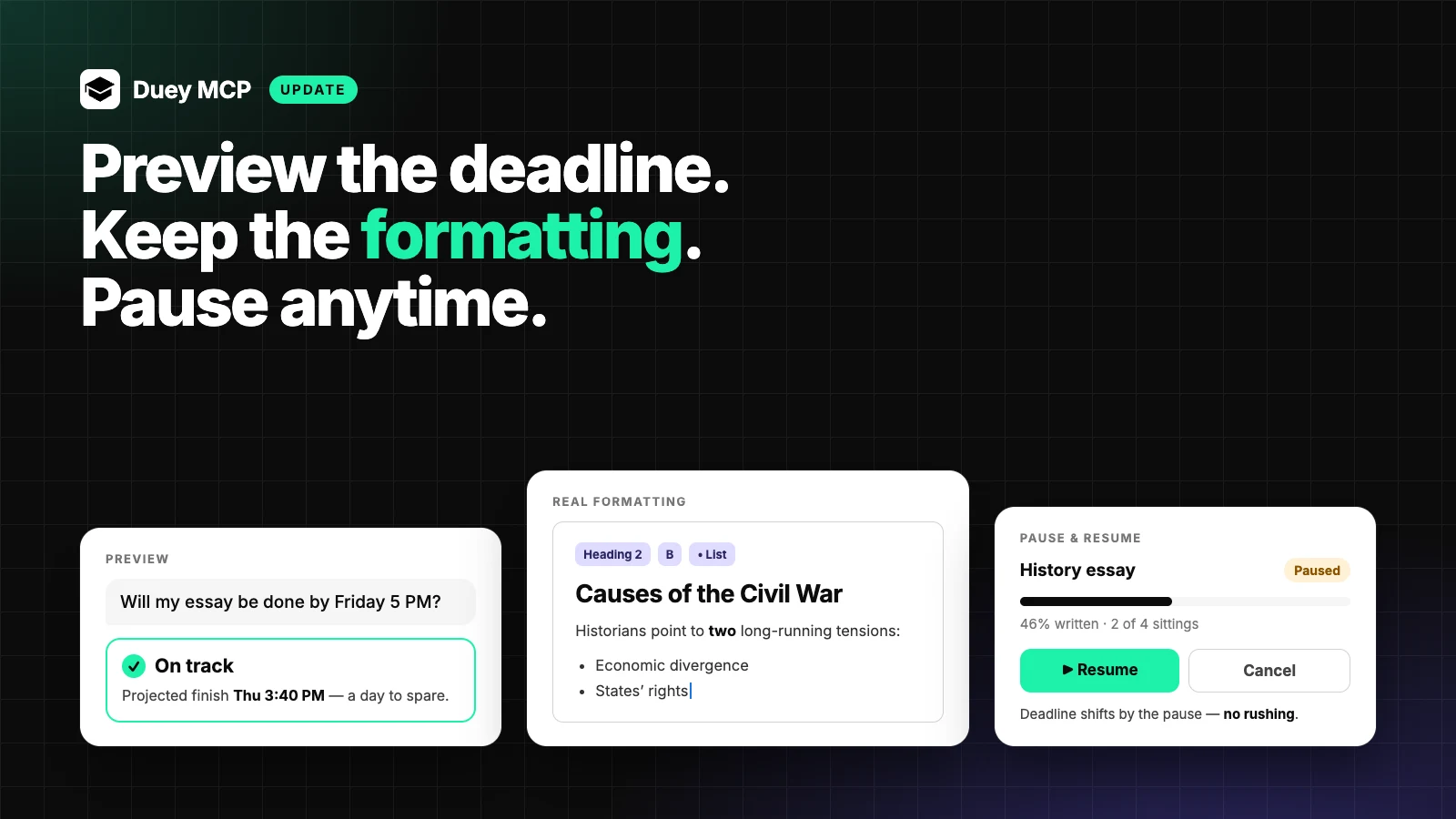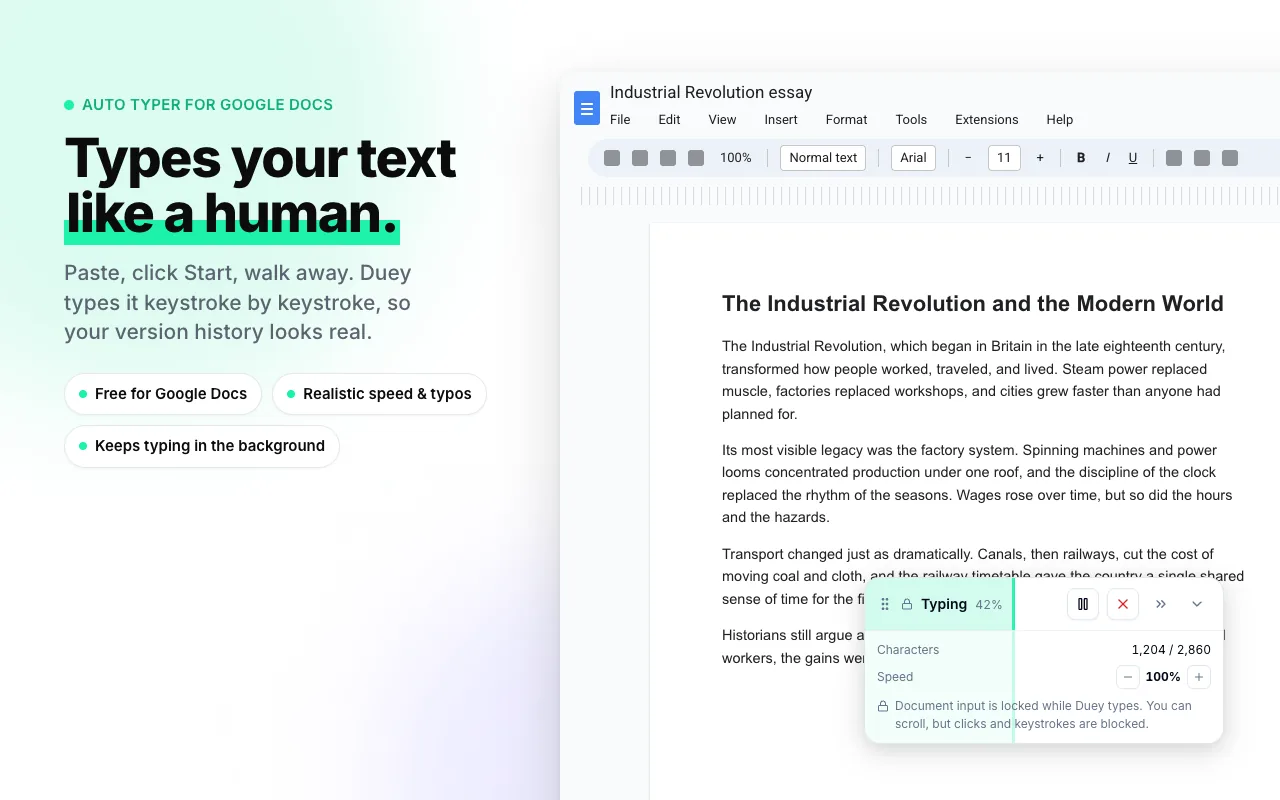
Duey Auto Typer 2.4.5: Run Duey on Your Terms
We've been listening to your feedback and making changes! Learn about the improvements to Duey Auto Typer in version 2.4.5.

Today's release is about discretion, control, and trust. You told us you wanted to use Duey without it being obvious. Without losing your place mid-document. Without surprises in your timing estimate. We heard you on all three.
This is the most user-controlled version of Duey we've ever shipped.
A redesigned home base
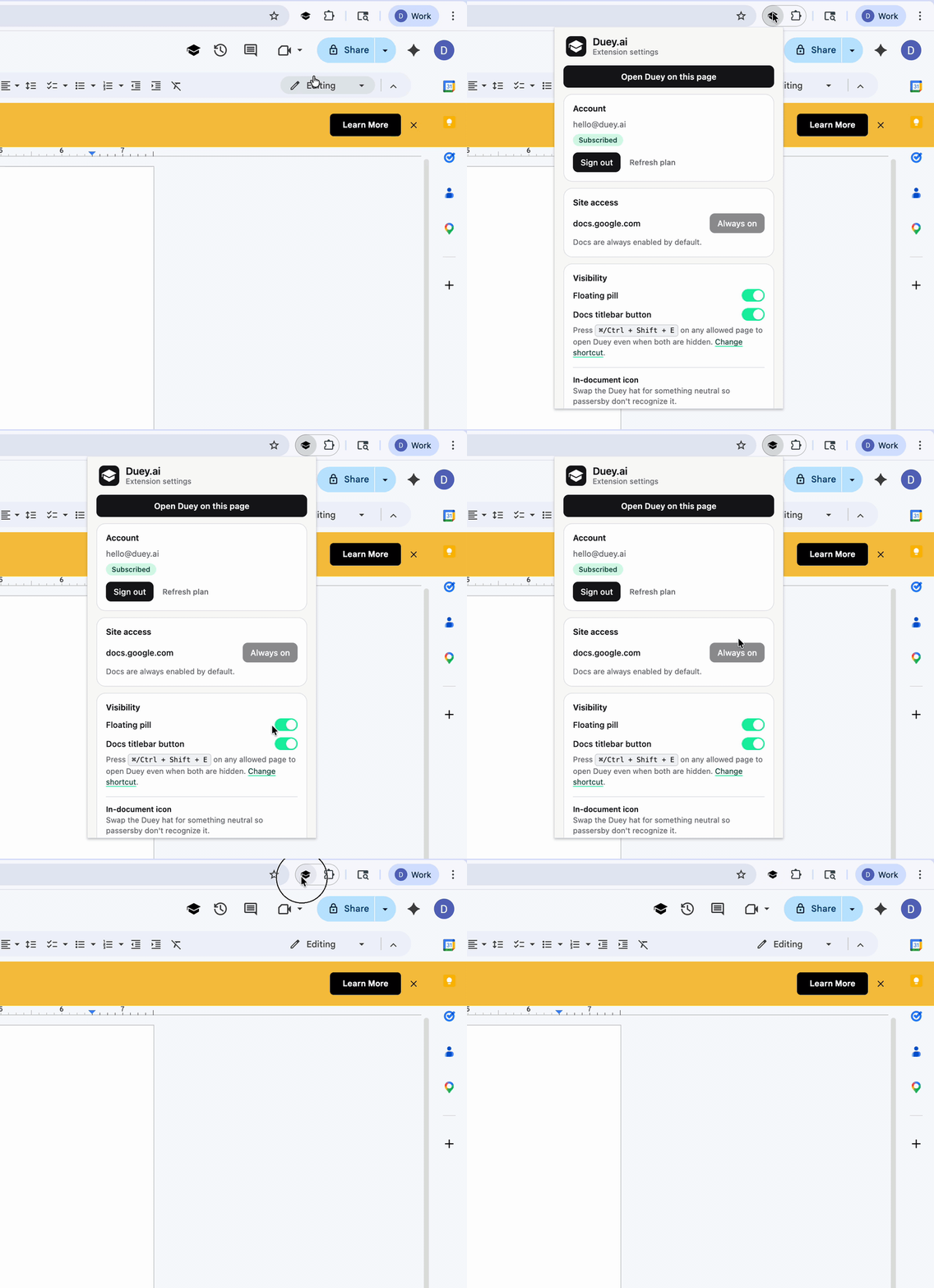
The extension popup — where you sign in, decide which sites Duey runs on, and now tune Stealth Mode — got the full redesign treatment. Clean typography, real toggle switches, brand-green accents, and the same look and feel as Duey's in-document panel.
A new "Open Duey on this page" button at the top makes it easy to launch the panel when you've hidden the in-document UI but still want to start a session.
Where you used to barely glance, you'll actually want to spend time.
Stealth Mode: run Duey at work without running Duey at work
A lot of you work in shared spaces — coffee shops, libraries, open offices, classrooms, kitchen tables. Places where a visible AI tool can attract a kind of attention you'd rather skip.
Duey 2.4.5 adds Stealth Mode — a new option in the extension menu that lets you hide Duey's in-document interface entirely.
- Hide the typing indicator, the toolbar icon, or both — independently
- Or keep the icon and swap the Duey hat for something neutral: a pencil, a document, a clock. At a glance, your tab looks like any other productivity app.
A boss leaning over your shoulder will see a document being written. A classmate glancing at your screen will see the same. What Duey is doing is between you and Duey.
Take control mid-session
Once you started a typing session, you used to be locked into whatever settings you'd chosen. If you picked a pace that felt right for the first paragraph but too slow halfway through, you were stuck.
Not anymore.
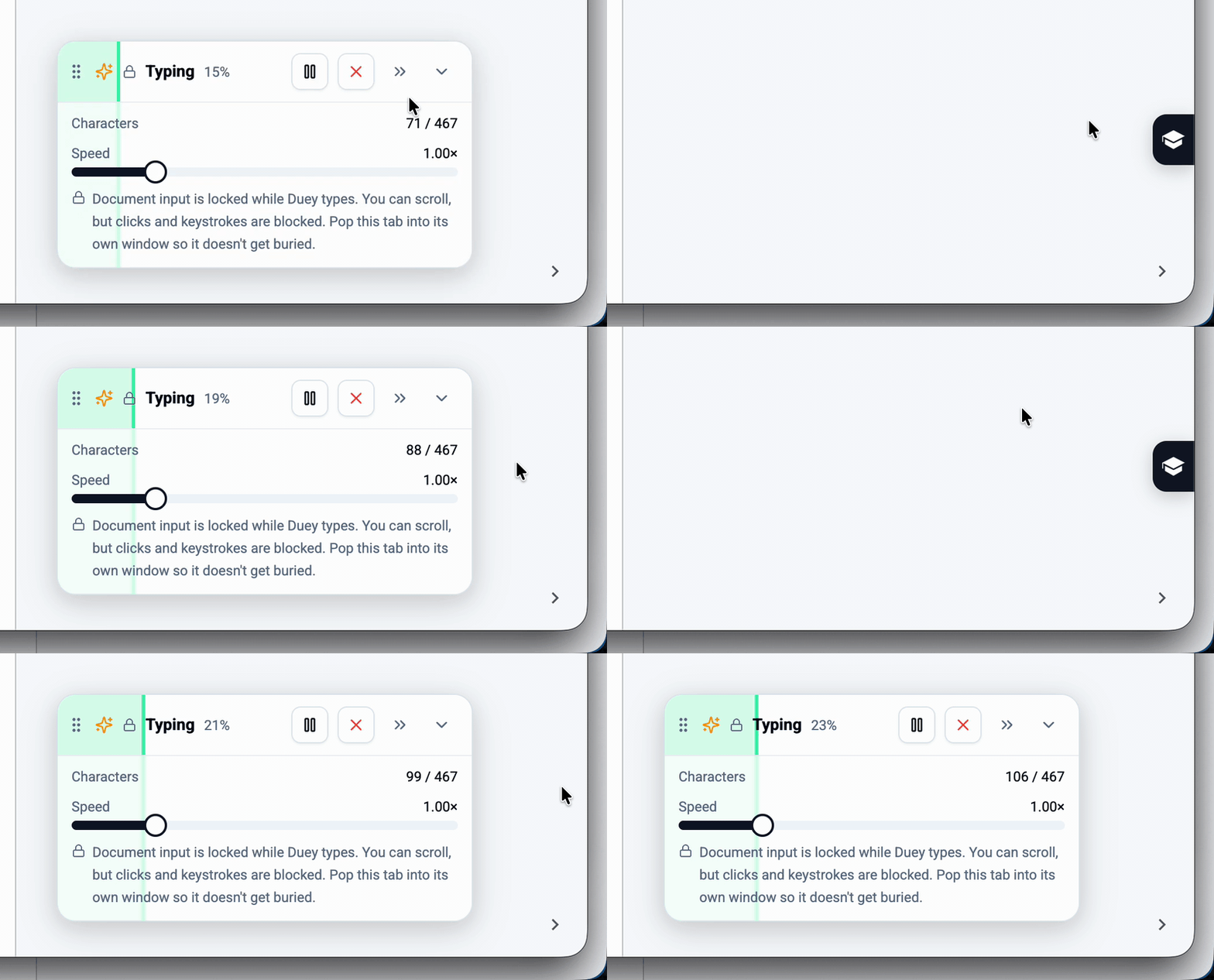
- Adjust speed while Duey is typing. Pro users get a smooth slider; free users get quick minus and plus buttons. Either way, you can change your mind mid-session.
- Drag the typing indicator anywhere on screen using the new grip handle. No more covering up your sidebar, comments panel, or anything else.
- Minimize to a tiny side tab when you want it out of your way entirely. Click to expand. Your document stays protected the whole time, even when the controls are hidden.
Three small features that add up to one feeling: Duey listens to you now.
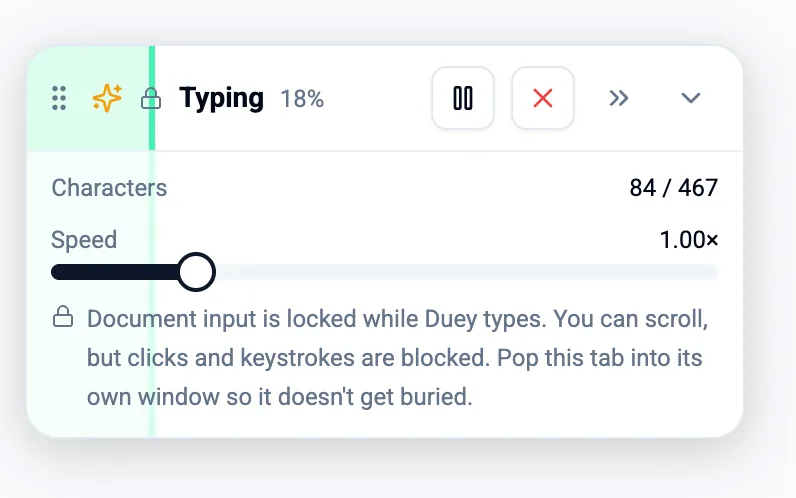
Pro Speed Controls
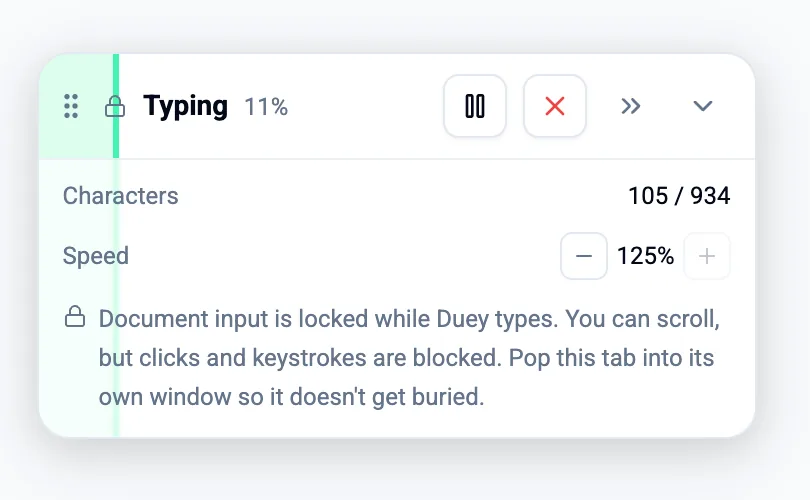
Standard Speed Controls
The timing you see is the timing you get
Some of you reported that Duey's time estimates were "way off" — a 4-minute session that somehow stretched into 30. We traced it down. The cause was Chrome aggressively slowing down typing in tabs you weren't actively viewing — something most users had no idea was happening.
We've made it easier to see and easier to fix.
- When Duey is typing in a tab you've navigated away from, the tab title now shows a clear ⚠ warning. You'll notice from anywhere in your browser.
- A one-time explainer tells you what's happening and the simple fix (pop the tab into its own window).
- Your custom typing settings now save properly even if you tuned them before signing in.
Trust the estimate. And know exactly what to do if you ever shouldn't.
Slides users — Improved Corrections
In case you missed it, Duey's Auto Typer now also works on Google Slides (and Microsoft Word online too!) Since launch, we learned from our Slides beta that it could also benefit from our new Corrections algorithm. Typos on Slides now get corrected with Corrections 2.0 meaning more accurate correction for you!
Get it now
The 2.4.5 update rolls out automatically to existing users over the next 24 hours. To grab it immediately, head to your Chrome extensions page and click Update.
Your tools. Your settings. Your business.