Replay: Watch How Any Google Doc Was Written, Revision by Revision
Replay, new in Duey 4.0 and Auto Typer Pro 1.0, plays a Google Doc back from its own Version History, with a timeline, a writing summary and plain facts about how it was written. Free, and nothing leaves your computer.
Google Docs keeps a record of every change to a document. Most people only see a sliver of it: a list of timestamps in Version History, each one a snapshot you can click through one at a time.
That's not how a teacher, an editor or a curious classmate thinks about a doc, though. They want to know how it was written. Did it come together over an evening or appear all at once? Were there rewrites? Long pauses?
Replay answers that. It's new in Duey 4.0 and Auto Typer Pro 1.0, and it's free in both.
How to open it
With a Google Doc open, open the Duey side panel and click Replay this doc. Replay opens in a new tab.
What you see
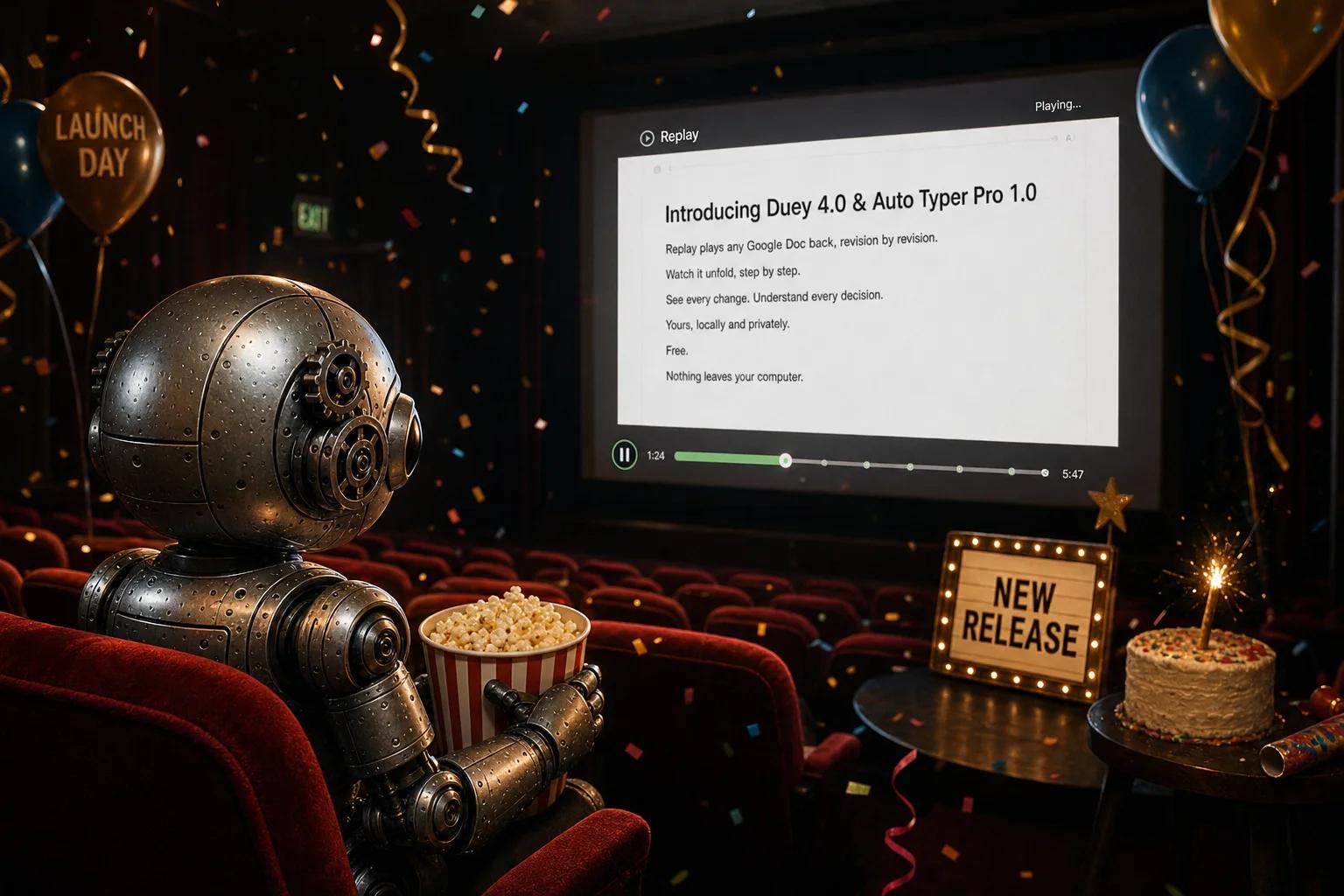
The doc, rebuilt as it was written. Press play and watch the text appear, revision by revision, from the first keystroke to now. Change the speed, drag the slider to any point, or turn on Skip idle time to jump over the gaps.
Version History entries on the timeline. Bands under the slider show each entry the doc's Version History groups its edits into. Google Docs only starts a new entry after about 30 minutes with no edits, so this is the quickest way to see why a doc has the number of entries it does.
A summary. When writing started, the last edit, total writing time, characters typed, characters deleted, and the number of revisions.
How this doc was written. A short list of plain facts you can check against the replay yourself, such as:
- paste-sized inserts (100 or more characters arriving at once), each marked on the slider
- a long doc written in a single Version History entry
- no text deleted along the way
- no pause longer than a few minutes
There's no score and no verdict. Just what the history shows.
Why we built it
People use Duey because they want a document's history to look natural. Until now, the only way to check was to open Version History and click through snapshots, which doesn't tell you much.
Replay shows you the history the way anyone reviewing it would see it, all in one place. Run Duey, open Replay, and see for yourself. If something looks off, like a paste you forgot about or a long doc in one entry, you'll know before anyone else does.
It works on any Google Doc you can edit, not just ones Duey typed. Use it on your own drafts, a group project, or a doc someone shared with you.
Private by design
Replay reads the doc's history straight from Google Docs, in your browser. Nothing is uploaded to Duey, and the text never leaves your computer.
It needs the same access Version History does: you have to be able to edit the doc.
Pair it with sittings
If Replay shows your doc was written in one long Version History entry, that's normal for a single run. Google Docs groups everything into one entry unless there's a 30-minute gap. Duey 4.0 can add that gap for you with sittings. Here's how sittings work.
Try it
Replay is in Duey 4.0 and Auto Typer Pro 1.0. If you already have Duey, Chrome updates it on its own within a few days, or open chrome://extensions, turn on Developer mode and click Update.
New to Duey? Add Duey to Chrome for free.
More detail is in our help center: How do I replay how a doc was written? And for the full story on what Google saves, read How Google Docs Version History works.