Why You Type Slower in Google Docs Than on a Typing Test
A typing test measures copying text you can see. Writing in Google Docs means deciding what to say, rereading and fixing as you go. Here is where the time goes, and what your real writing pace looks like.

You score 60 WPM on a typing test, then spend an hour on 600 words in Google Docs. Nothing is wrong with you. The two are measuring different things.
A typing test measures transcription: copying text that's already on the screen. Writing measures composition: deciding what to say, then typing it. Composition is slower for everyone.
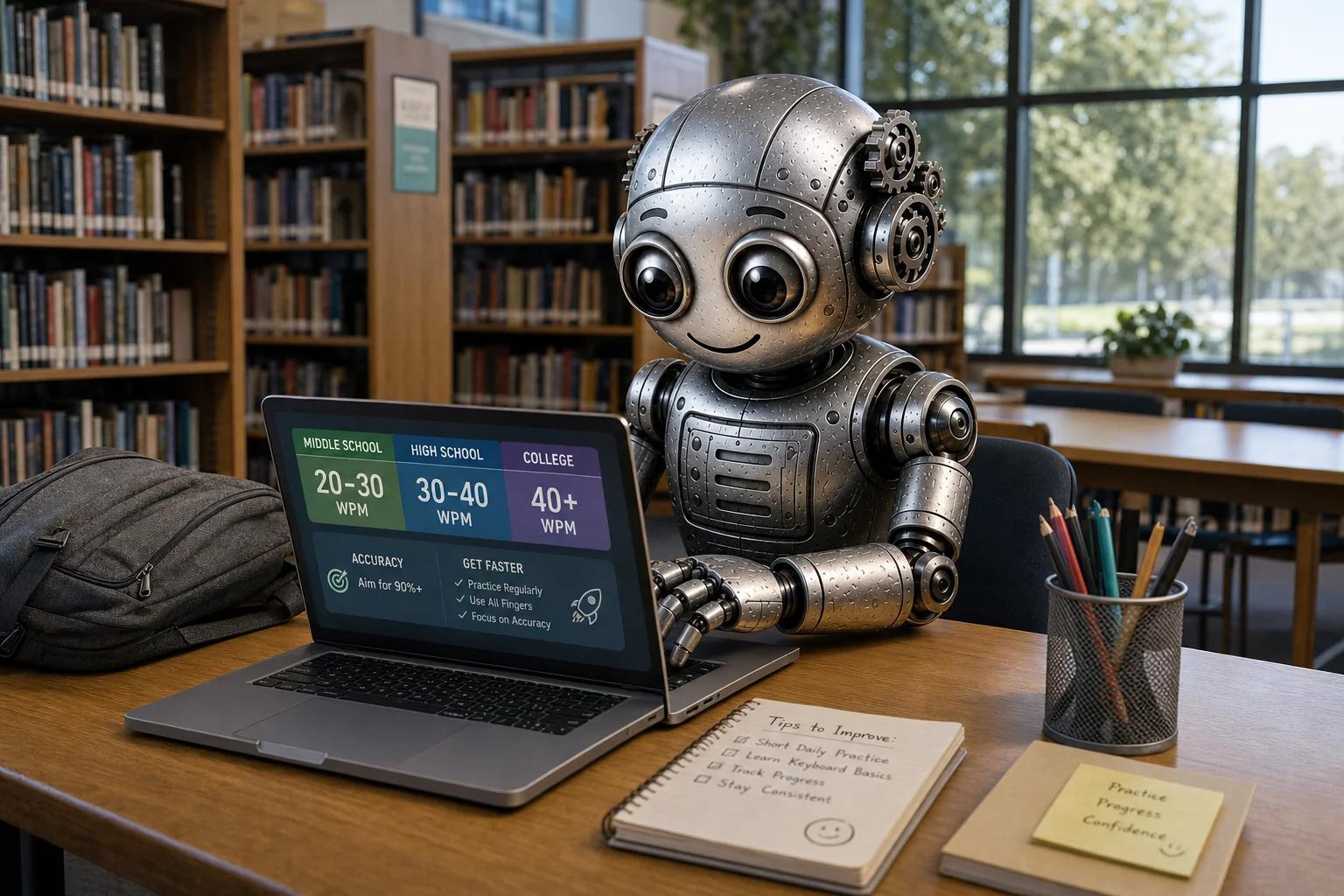
Find your transcription speed first with the free typing test, then read on for where the rest of the time goes.
1. You're thinking, not typing
On a typing test the next word is always in front of you. In a document you have to come up with it. Writers type in short bursts of a few words, then stop to think, most often at the end of a clause or sentence. Those pauses add up to far more time than the typing itself.
2. You reread
People reread what they've just written, especially at the start of a new paragraph. A typing test never asks you to look back.
3. You delete and rewrite
Real writing involves changing your mind: a word swapped, a sentence cut, a clause added earlier in the paragraph. Every rewrite costs the keystrokes to delete, plus the keystrokes to type the new version. On a typing test, the only deleting is fixing typos.
4. You type harder words
Typing tests mostly use common words. Your essay has names, technical terms, numbers and punctuation. Capitals, digits and symbols all take longer to type than lowercase letters.
5. Formatting and the editor
Headings, lists, bold text, links and citations all take extra steps. Docs also autocorrects as you go, and you sometimes stop to undo a change you didn't want.
6. You take breaks
Nobody writes an essay in one unbroken stretch. You check a source, answer a message, get a drink. Breaks are normal, but they're time a typing test never counts.
So what's a realistic writing pace?
It varies too much between people and tasks for a single number. A fair way to think about it:
- Your typing test score is your ceiling. It's how fast your fingers go when there's nothing to think about.
- Copying up a finished draft gets close to that ceiling, minus breaks and typo fixes.
- Writing from scratch is much slower, because most of the time goes to thinking.
For pure typing times, see How Long Does It Take to Type 1,000 Words?
What Google Docs records
Google Docs saves your work as you type and keeps the edits in Version History. Docs groups those edits into entries, and starts a new entry only after about 30 minutes without edits. How Google Docs Version History works explains what it shows.
Type it at your pace with Duey
If the words are already written (notes, a draft from another app, or text you find physically hard to type), Duey's Auto Typer can type them into Google Docs for you, key by key. It types the way people do: bursts, pauses, the odd typo and a fix, instead of one flat speed.
With Duey Pro, a short tempo check teaches it your own speed and rhythm, so it types like you, for you.