How Fast Should an Auto Typer Type? Picking a Realistic WPM
The most realistic auto typer speed is your own. Here is how to find it, why a steady speed with pauses beats a high one, and how to set Duey's Auto Typer or let Duey Pro learn your tempo.

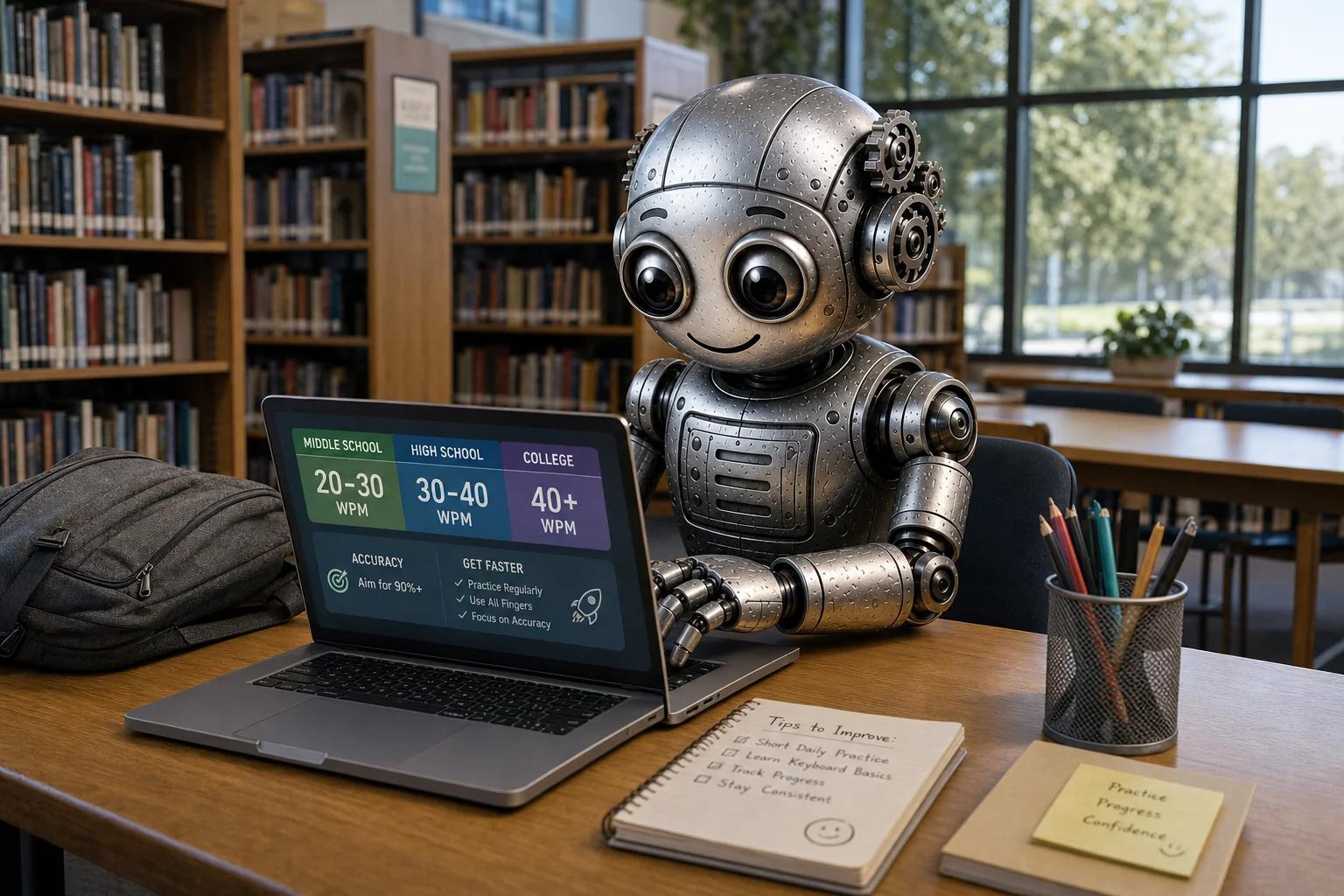
An auto typer types text you've already written into a document, key by key, instead of pasting it all at once. The first setting you choose is speed. The short answer: pick your own typing speed. For most adults that's around 40 words per minute.
Don't know yours? The free typing test tells you in 60 seconds.
Why your own speed is the right speed
The point of typing text in, rather than pasting it, is that the document builds up the way it would if you typed it yourself. That only works if the pace looks like yours:
- Too fast looks off. Most adults type around 40 WPM. A run going at 120 WPM looks nothing like a person typing.
- Too slow wastes time. At 20 WPM, a 1,000-word essay takes 50 minutes of pure typing, before any pauses.
- Your own speed fits. It matches how long the work would have taken you, and it's the pace you'd have produced anyway.
Steady pace matters more than top speed
Real typing isn't a flat line. People type in bursts of a few words, slow down for long or unusual words, stop at the end of a sentence to think, make a typo and fix it. An auto typer that types every key exactly 200 milliseconds apart doesn't look like anyone.
So when you compare auto typers, look past the top speed. Look for:
- Natural pauses at commas, sentence ends and new paragraphs.
- Typos and corrections, not a perfect run.
- Breaks, because nobody types for an hour straight.
- A time estimate before you start, so you know when it'll finish.
How long will a run take?
As a rule of thumb, minutes = words ÷ WPM, plus the pauses and fixes. At 40 WPM:
- 500 words: about 12.5 minutes of typing
- 1,000 words: about 25 minutes
- 2,000 words: about 50 minutes
How Long Does It Take to Type 1,000 Words? has the full table from 250 to 5,000 words.
Google Docs groups edits into Version History entries and starts a new one only after about 30 minutes without edits, so a single run shows as one entry. If you want more than one, see Write in Sittings.
Setting the speed in Duey
Duey (free): pick a speed in the side panel. The quick slider goes from 20 to 100 WPM. Duey adds natural pauses, typos and corrections at whatever speed you choose, and shows an estimate before you start. Above 90 WPM it switches to quick corrections and fewer pauses, the way fast typists actually work.
Duey Pro: My tempo. Instead of guessing, type a few lines at your normal pace in the side panel. Duey learns how you type, your speed and your rhythm, and you can pick My tempo for any run. It's the most realistic setting, because it's literally you.
A note on what it's for
The Auto Typer is for your own writing: notes you wrote by hand, a draft from another app, or text you find physically hard to type. It isn't for graded typing tests or typing races, and your school's or employer's rules on how work has to be produced still apply.
Find your number
- Take the typing test and note your net WPM.
- Set Duey's speed to match, or let Duey Pro learn your tempo.
- Paste your text, click where it should go, and start.
New to Duey? Add it to Chrome. It's free.