PDF Summarizer
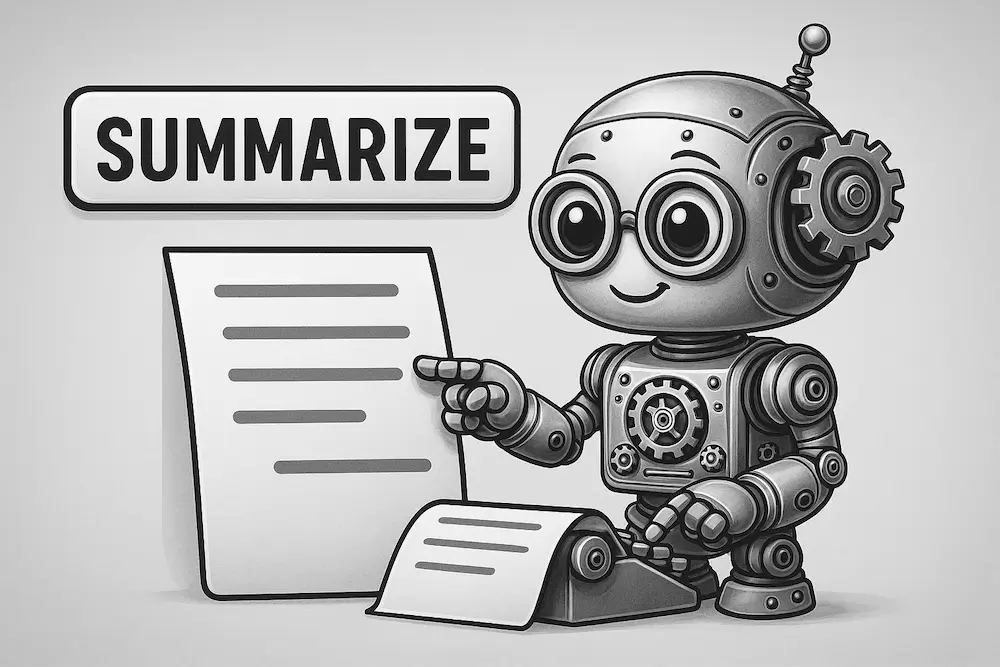
Upload any PDF and get a clear, concise summary of the key points, arguments, and takeaways in seconds.
PDF Summarizer: Quickly Grasp What Matters Most
Let's face it: sludging through reams of long PDFs, academic papers, technical writings or research studies can be tough. There are times when all you want are the bare bones to an argument; the takeaway; the heart of the matter, without having to scroll through hundreds of pages of jargon-filled text and spending hours and hours wading through it all. Which is why we created the PDF Summarizer, a super-smart AI processing tool that analyses the most important content from your PDF and brings you a clear and concise summary in seconds.
Practice by summarizing thousands of reports and articles in seconds when you use PDF Summarizer: Whether you are a student who wants to prepare for your lectures, a researcher who wants to skim several studies, or a professional who wants to review long-winded reports, PDF Summarizer will save you time and help keep only the best information.
Why Use a PDF Summarizer?
While PDFs are the go-to format for sharing academic, scientific and institutional work, they are seldom good for light reading. You could end up spending 20–30 minutes just trying to decide if a paper is in any way even pertinent to your research topic. With PDF Summarizer, there’s no need to read line-by-line: Instead, you could:
- Identify whether a document is worth your time at all.
- Extract the most valuable information for more efficient notes or reference.
- Find answers to your questions much faster.
- Have a more prepared research process.
- Save time.
- Add non-negotiable concepts to your knowledge base.
This tool is intended to get more done in less time, without sacrificing comprehension perfect for students, scholars, writers, researchers, analysts, and professionals.
What It Does
Using state-of-the-art AI models, the tool bypasses your PDF’s boilerplate and churns out a well-organized summary that includes:
- The major topic and coverage of the document.
- The central argument(s), claim(s), opinion(s) or point(s) of view created by the author(s).
- Any explicit data sources, methodologies, provisional findings or factual claims.
- Key ideas, conclusions and suggestions.
Overall, it’s not just a reordering of sentences; it’s a well-considered, human-sounding overview you can really use.
Key Features
- Upload Full PDFs Instantly
Just upload any academic paper, whitepaper, report, essay or ebook. the tool reads it directly. - AI-Powered Summarization
Smart summarization engine that understands structure, context and emphasis, not just keywords. - Extracts Key Evidence, Ideas, & Conclusions
Highlights essentials: evidence, concepts, and conclusions. - Works Across Disciplines
whether it's biology or engineering or philosophy or economics, the summarizer will work out the writing style and present it. - Quick, Safe, and Simple
Do summaries in seconds. No downloads, no logins, and all your documents are private.
Who It’s For
- Students reading articles for class or thesis work
- Researchers skimming papers for literature reviews or meta-analyses
- Professionals scanning long corporate or industry papers
- Writers and Content Creators generating references from dense or thick material
- People who need to comprehend a document without reading the whole thing
How It Works
Using the PDF Summarizer is fast, simple, and secure:
- Upload Your PDF
Drag and drop the file into the tool or click “Choose File”. You can upload any academic paper, business report, ebook or even any PDF with text.. - Click advance features and pick what you want .
Choose features, optional check advanced features, choose what you want - Click “Summarize”
After you’ve uploaded your file, you can click the “Summarize” button. The AI reads the whole document then determines which sections are the most relevant. - Review the Summary
Within seconds, you will receive a clean, readable summary that gets to the core content of the document, no skimming necessary. - Copy or Save
You can copy the summary, save it to your notes, or refer to it any time in order to develop your relations with the one you love.
Use Cases
- Academic Research: Summarize papers to determine relevancy for the actual research.
- Preparation for exam: Study from reading material.
- Report Writing: Choose the analysis element that will prove critical to your argument or case.
- Business & Consulting: Grasp the essence of industry whitepapers and research of your competitors.
Final Thought.
PDFs aren’t going anywhere, but ingesting them for hours on end doesn’t have to be the new normal. But with PDF Summarizer, you have a powerful shortcut to clarity. Whether you are swamped with deadlines or juggling multiple sources, whether you simply want to be more efficient, this is the tool that allows you to spend less time skimming and more time learning.